Turn video clips into pixel art
The full pixel pipeline — pixels, dither, dots, bricks, grading — running live on video, exported as MP4.
Convert a video clip →Free · no signup · runs locally in your browser
How it works
- Load a clipDrop in an MP4 or WebM; it plays inside the editor with effects live.
- Style itPick pixel size, dithering, palette, and a grading look while the video plays.
- Export MP4The export re-renders every frame with your exact settings.
Goldenboy's entire effect pipeline runs on video, not just stills: load a clip, and pixelation, dithering, halftone dots, brick mode, duotone, and grading looks all apply in real time as it plays. When it looks right, export an MP4 rendered frame-by-frame with the exact same engine as the preview.
For animated work, ordered (Bayer) dithering is the secret weapon — its pattern is locked to pixel positions, so the texture holds still while the content moves, instead of crawling the way error-diffusion does on video. Pixel-art loops, dithered music-video moments, and retro intro bumpers all come out of this one tool.
Before & after examples
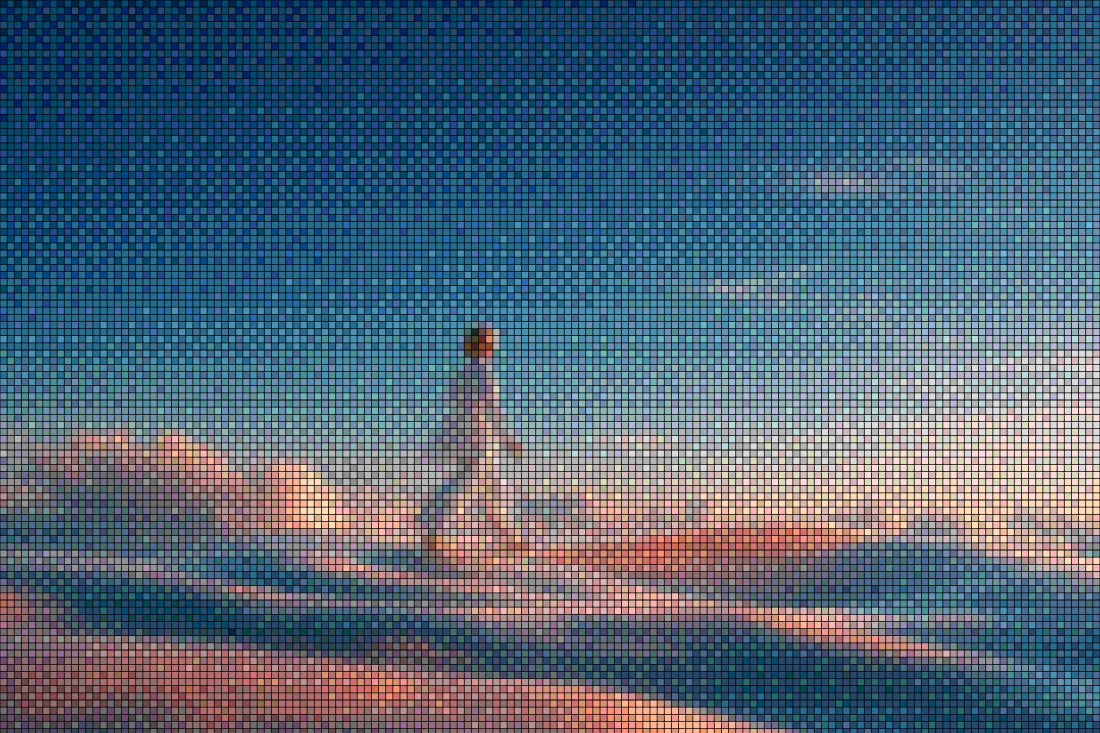
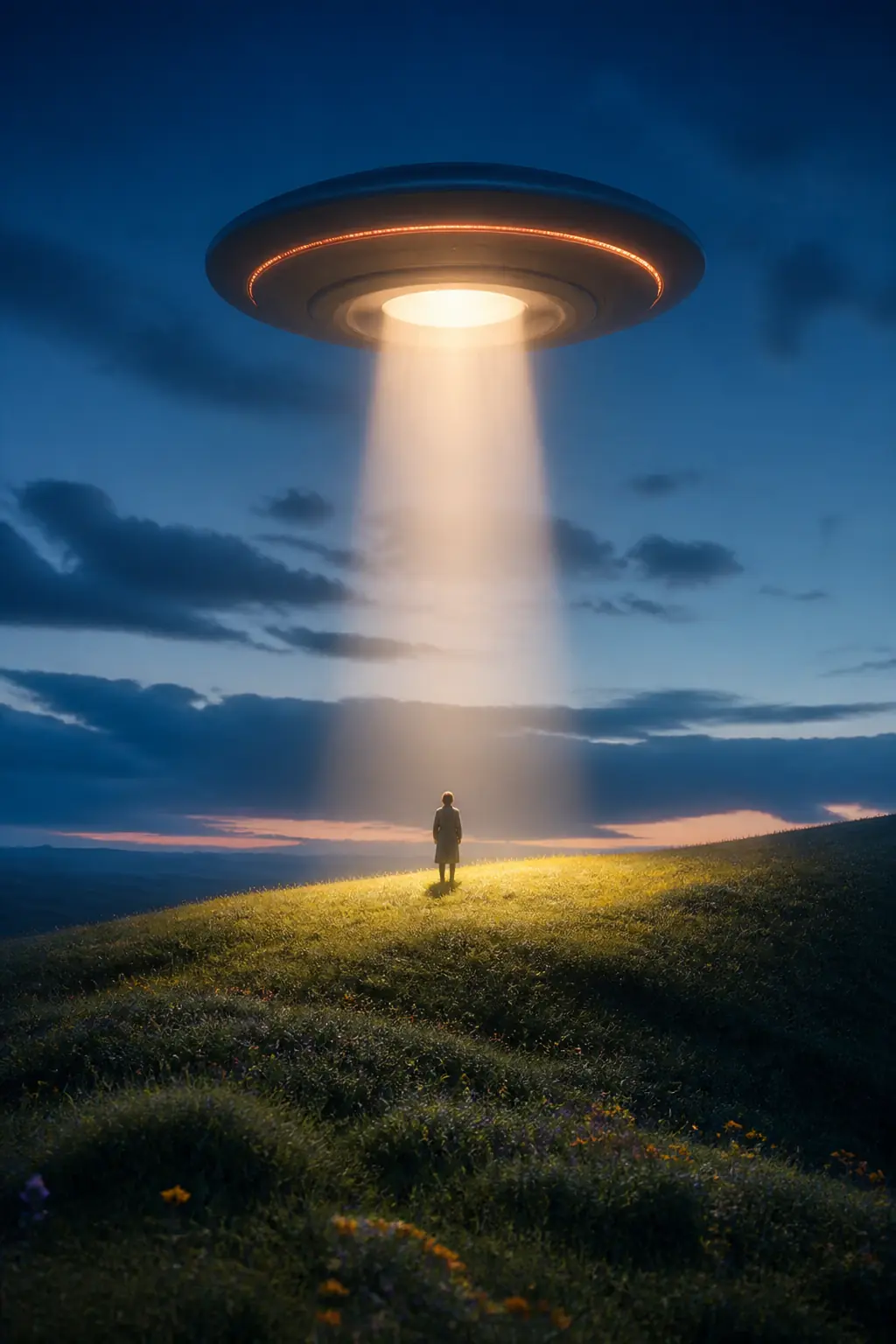
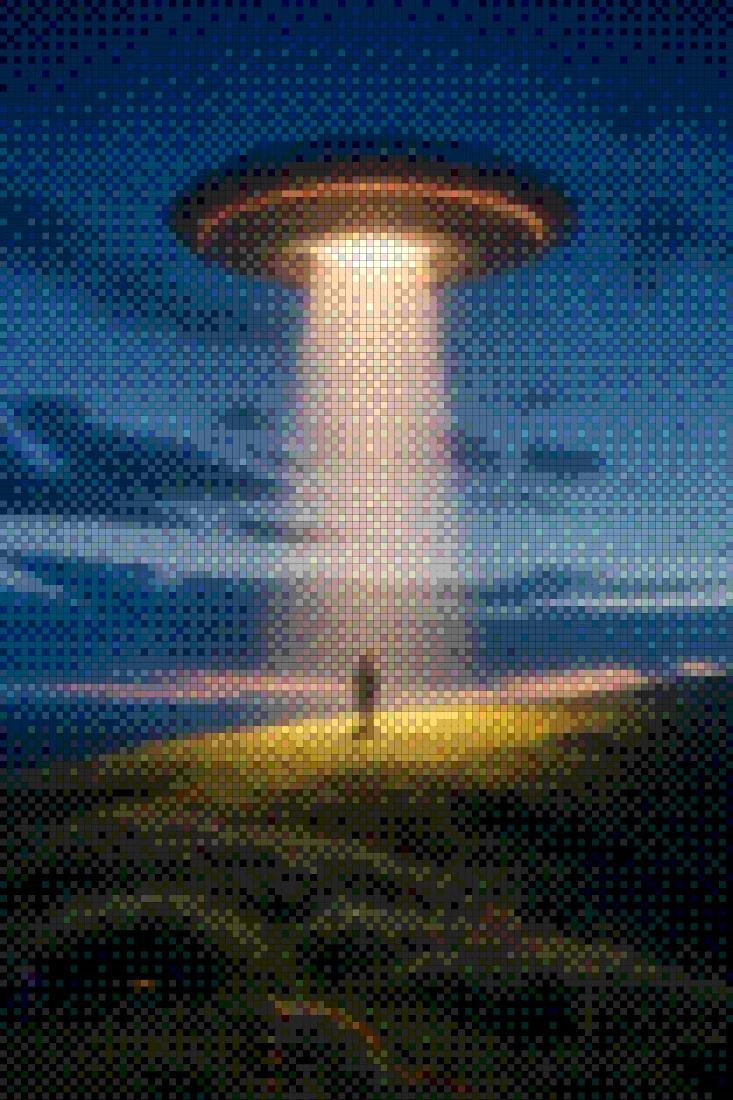
Rendered with this exact tool at these exact settings. Click any image to view or save it full size.



FAQ
What video formats can I load and export?
Load anything your browser plays (MP4, WebM); exports are MP4 (H.264), rendered client-side — your clip never leaves your device.
Why does my dither pattern crawl between frames?
That's error-diffusion recomputing per frame. Switch to Bayer 4×4 or 8×8 — ordered dithering is position-stable and stays clean in motion.
How long can clips be?
Short clips work best — exports render frame-by-frame in the browser, so a few seconds to a minute is the sweet spot.