Turn any photo into pixel art
Upload an image, drag a slider, watch it become pixel art in real time. Free, no signup, nothing leaves your browser.
Open the pixel art converter →Free · no signup · runs locally in your browser
How it works
- Add your imageDrop in a photo or pick one of the 60 built-in backgrounds.
- Dial in the lookChoose Pixel Art mode, then tune pixel size, density, and color with live sliders.
- ExportDownload a PNG instantly — or export at full source resolution with Pro.
Goldenboy samples your photo onto a coarse grid and rebuilds it pixel by pixel, so the result reads as genuine pixel art rather than a blurry downscale. You control the pixel size, color density, contrast, and grading — every change renders live on the full image, not a tiny preview.
Because everything runs locally in your browser, there is no upload queue and no watermark on free exports. When you are done, export a PNG at preview resolution for free, or unlock Pro once for source-resolution exports up to 4096px on the long edge — sharp enough for prints, thumbnails, or game mockups.
Before & after examples
Rendered with this exact tool at these exact settings. Click any image to view or save it full size.
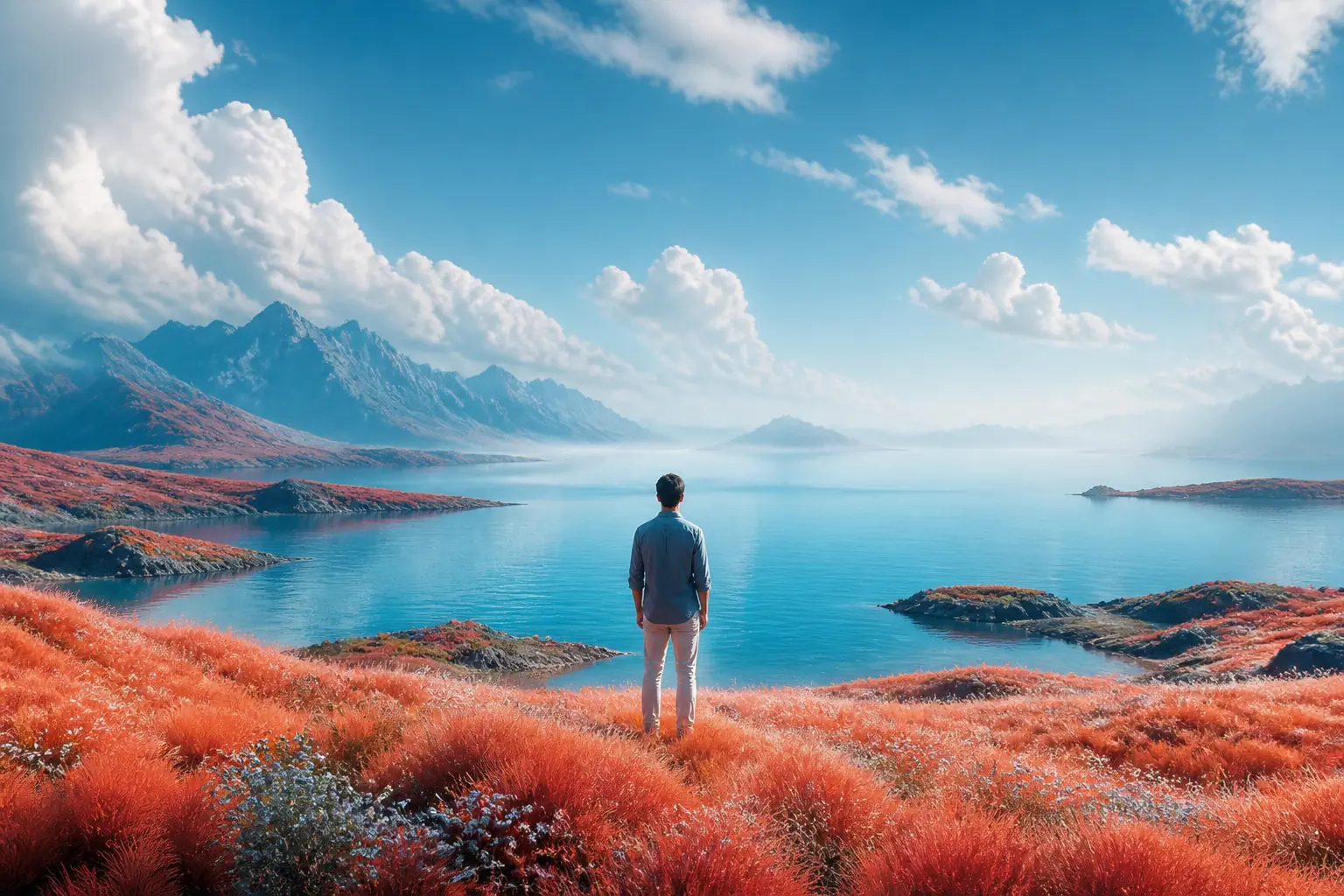
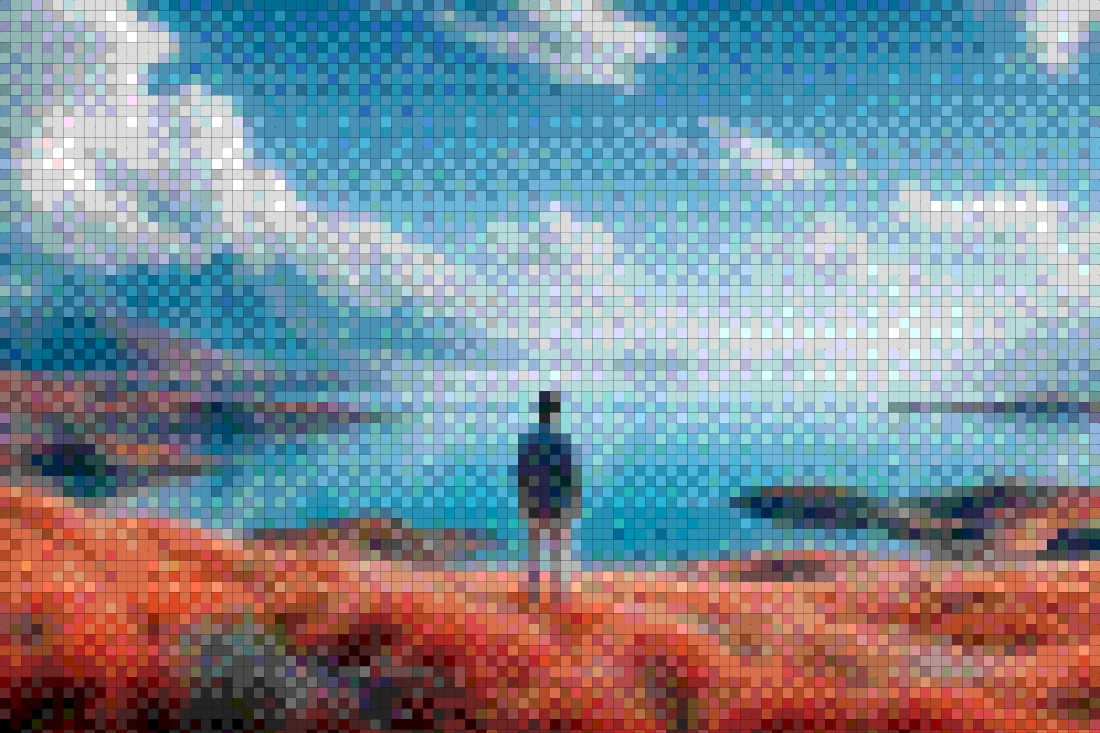
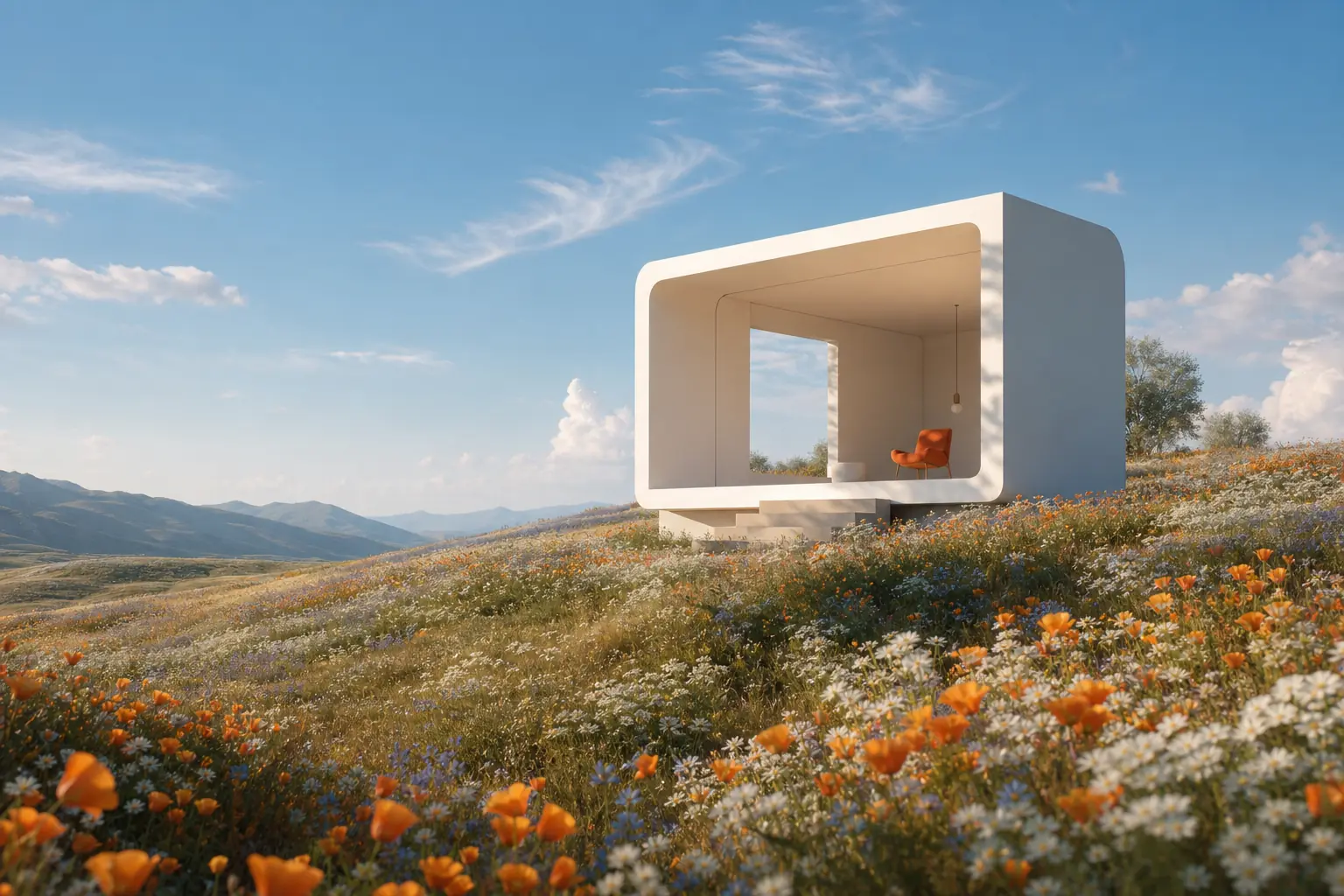
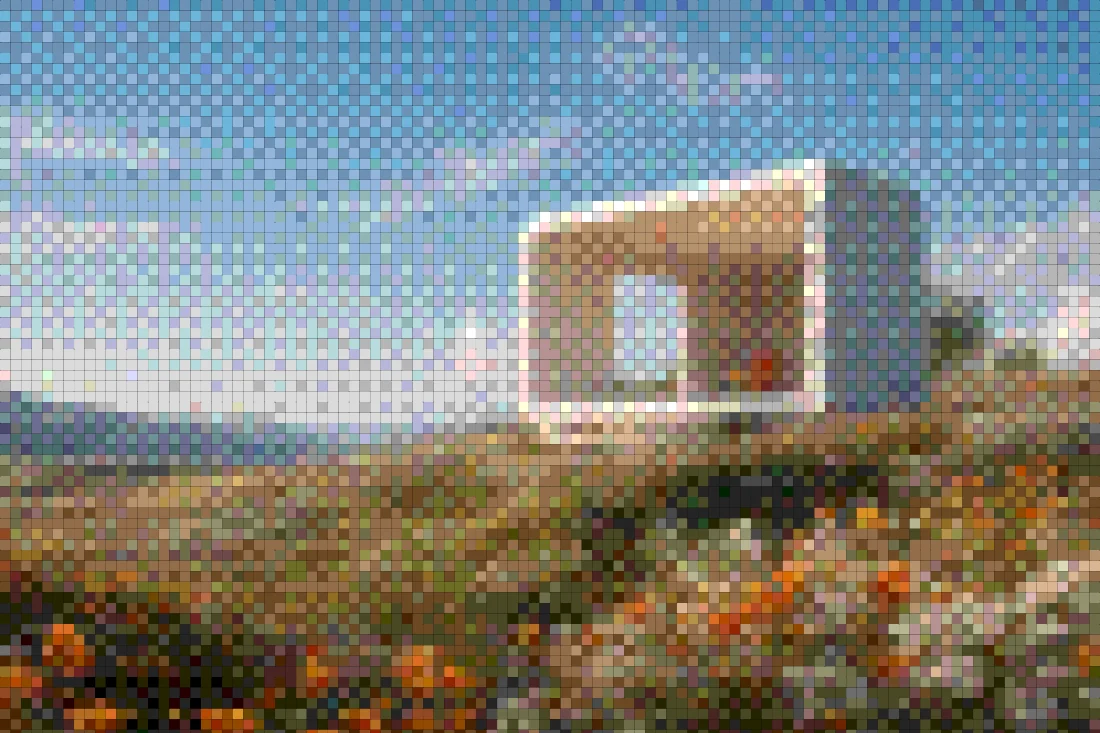
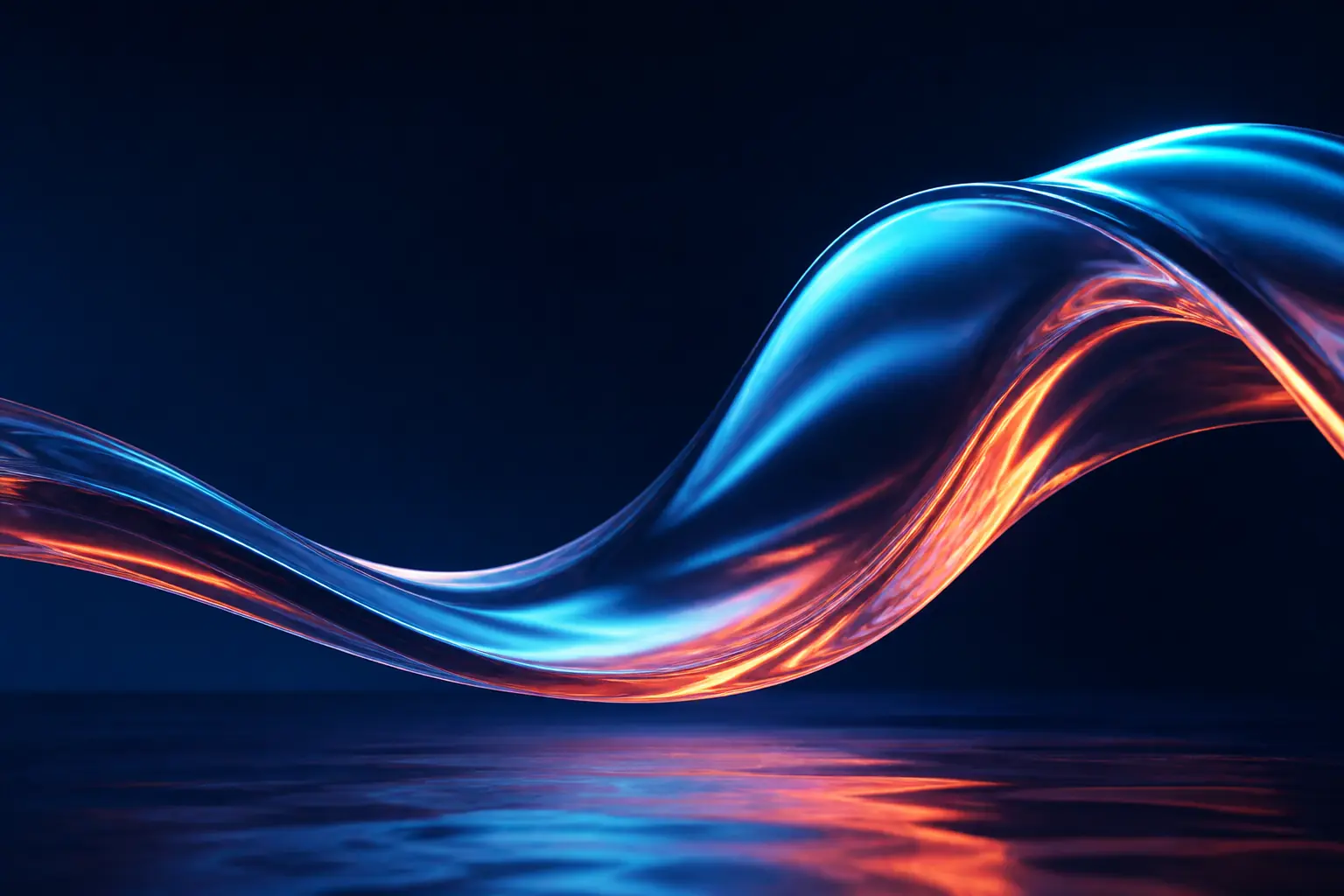
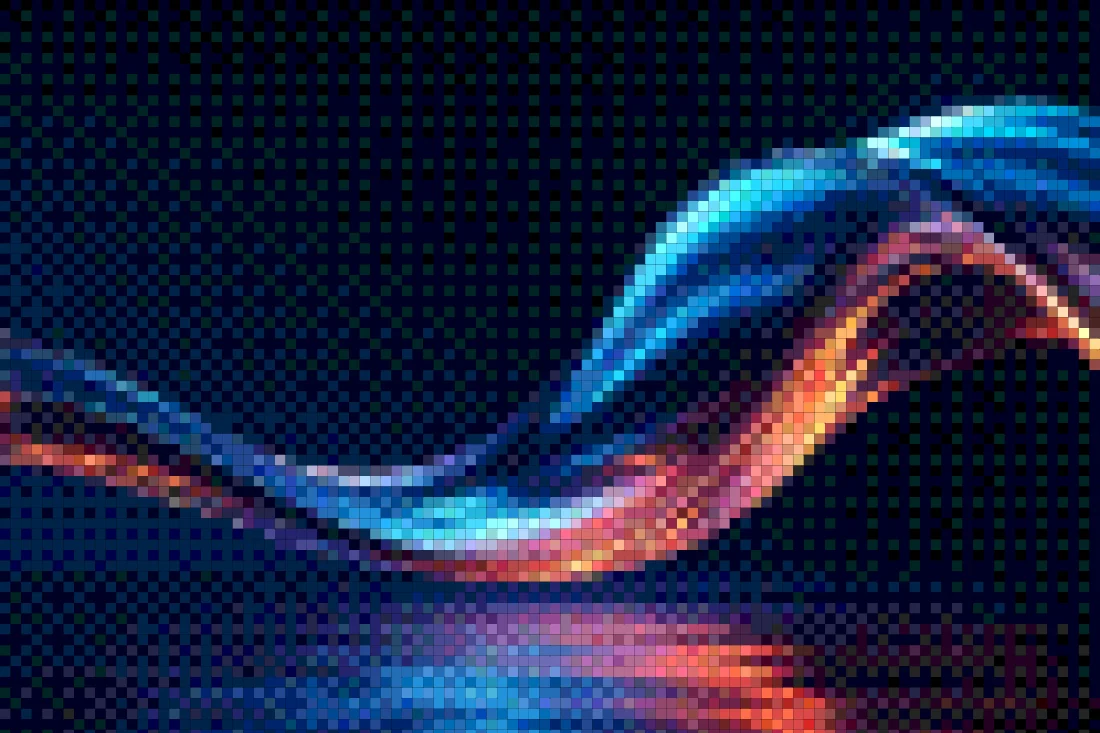
FAQ
Is the pixel art converter really free?
Yes. Editing and standard PNG exports are free with no signup and no watermark. A one-time $19.99 Pro unlock adds source-resolution exports up to 4096px, premium backgrounds, and every future Pro feature.
Do my photos get uploaded to a server?
No. Goldenboy runs entirely in your browser — your image never leaves your device, which is also why the preview responds instantly.
What resolution can I export at?
Free exports render at the preview resolution (1200px long edge). Pro exports re-render at your image's true source resolution, capped at 4096px on the long edge, in PNG, JPEG, or WebP.