Turn photos into halftone dot art
Newspaper halftones, comic-book screens, and poster dots — generated live from any image.
Open the dots generator →Free · no signup · runs locally in your browser
How it works
- Open Dots modeThis page's link starts the editor with the dot effect active.
- Set your dot sizeSmall dots read as print texture; large dots become the artwork itself.
- Add ink colorsEnable Duotone for a two-color screen-print look, then export.
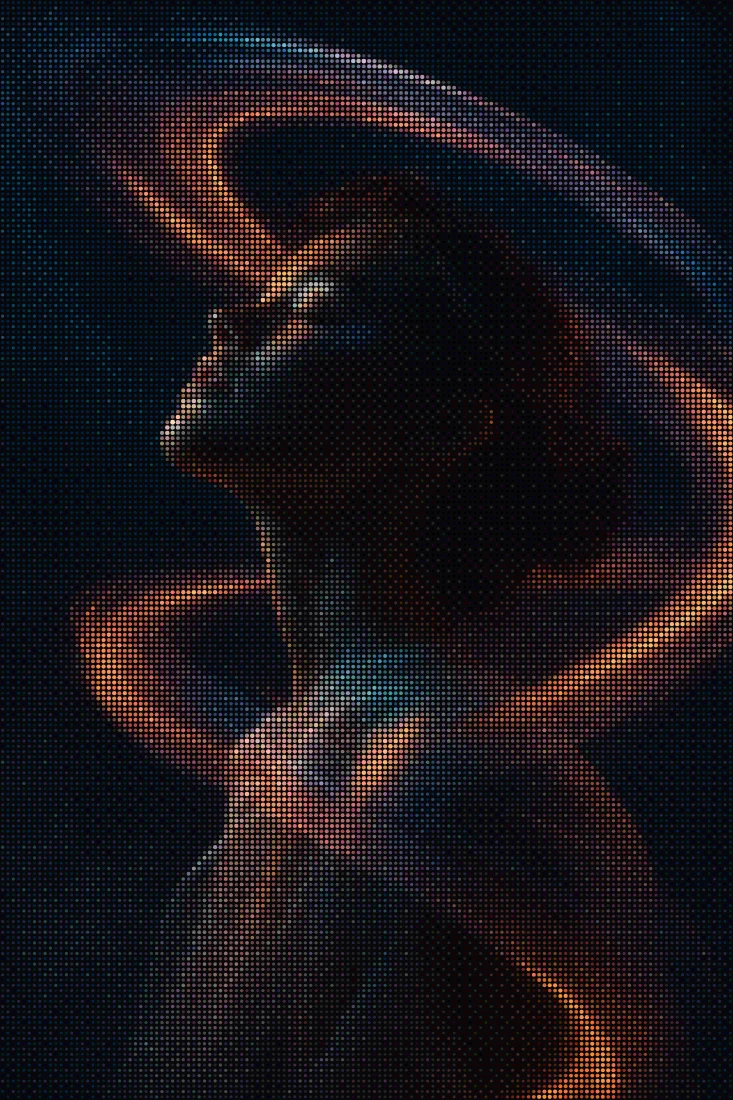
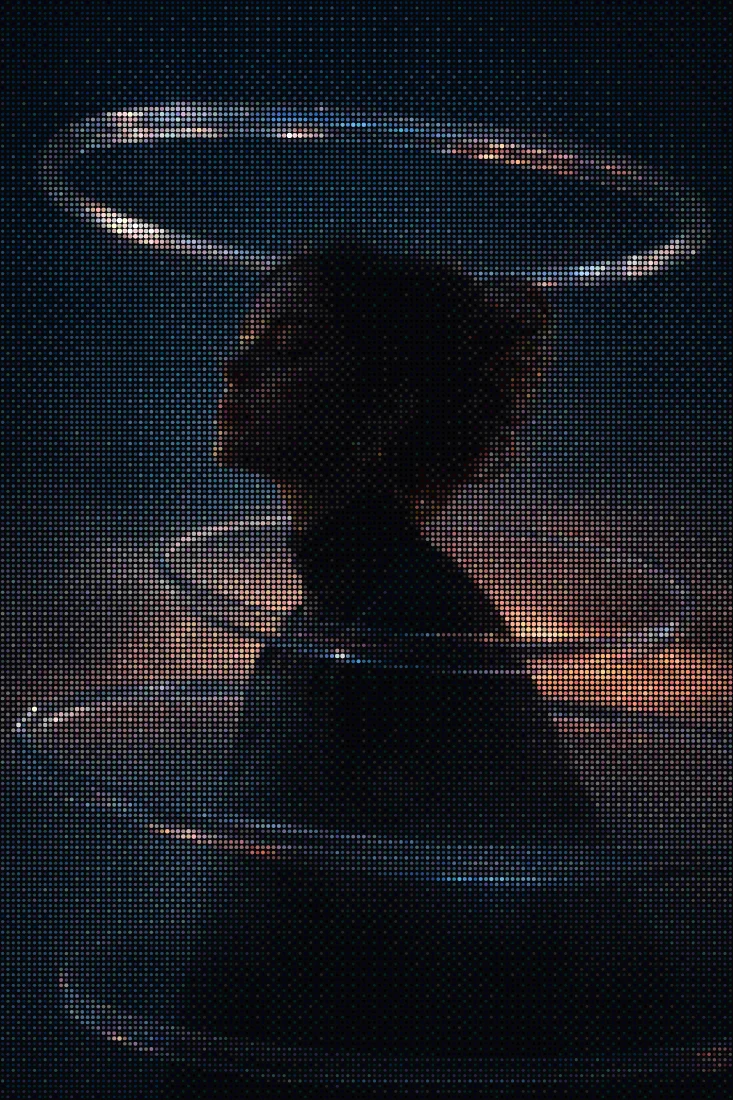
Dots mode rebuilds your image as a grid of circular dots, the visual language of newspaper halftones, comic printing, and pop-art posters. Tone is carried by how each dot reads against the base color, and the dot size slider takes you from fine print-screen texture to bold graphic circles you can count.
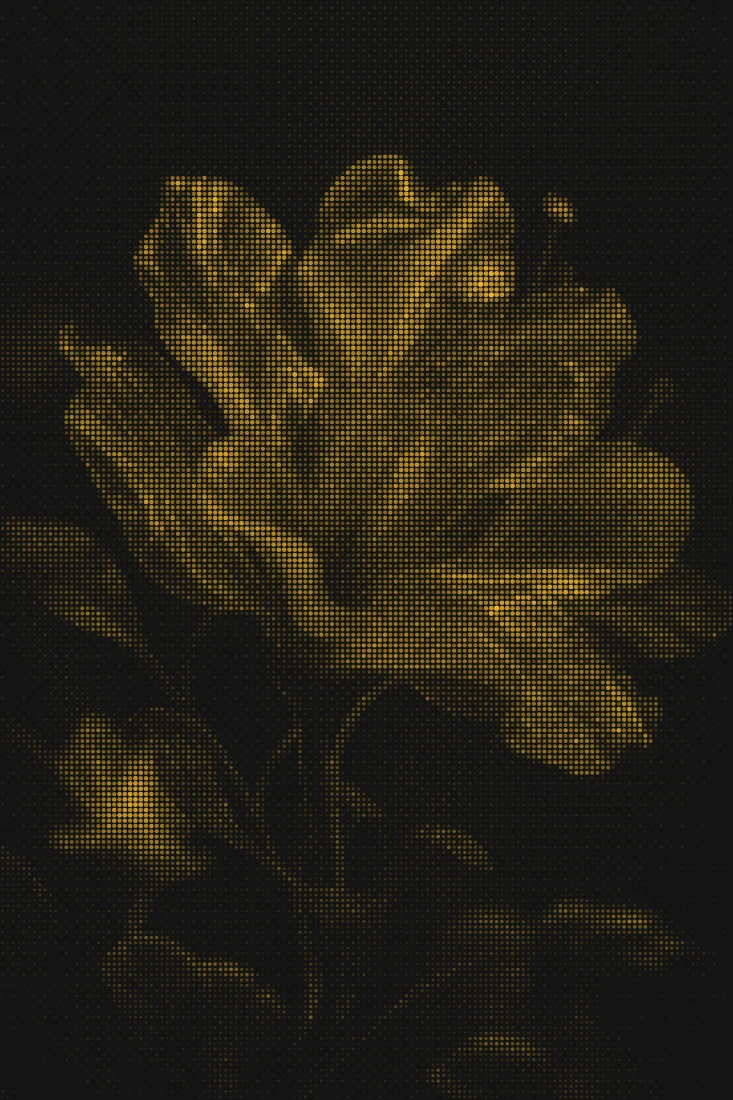
The fastest way to a striking result is Dots plus Duotone: pick an ink color and a paper color and you have a two-tone screen print from any photo. Stack one of the 46 grading looks before the dots pass to control where the darks pool, then export a clean PNG — free, no watermark.
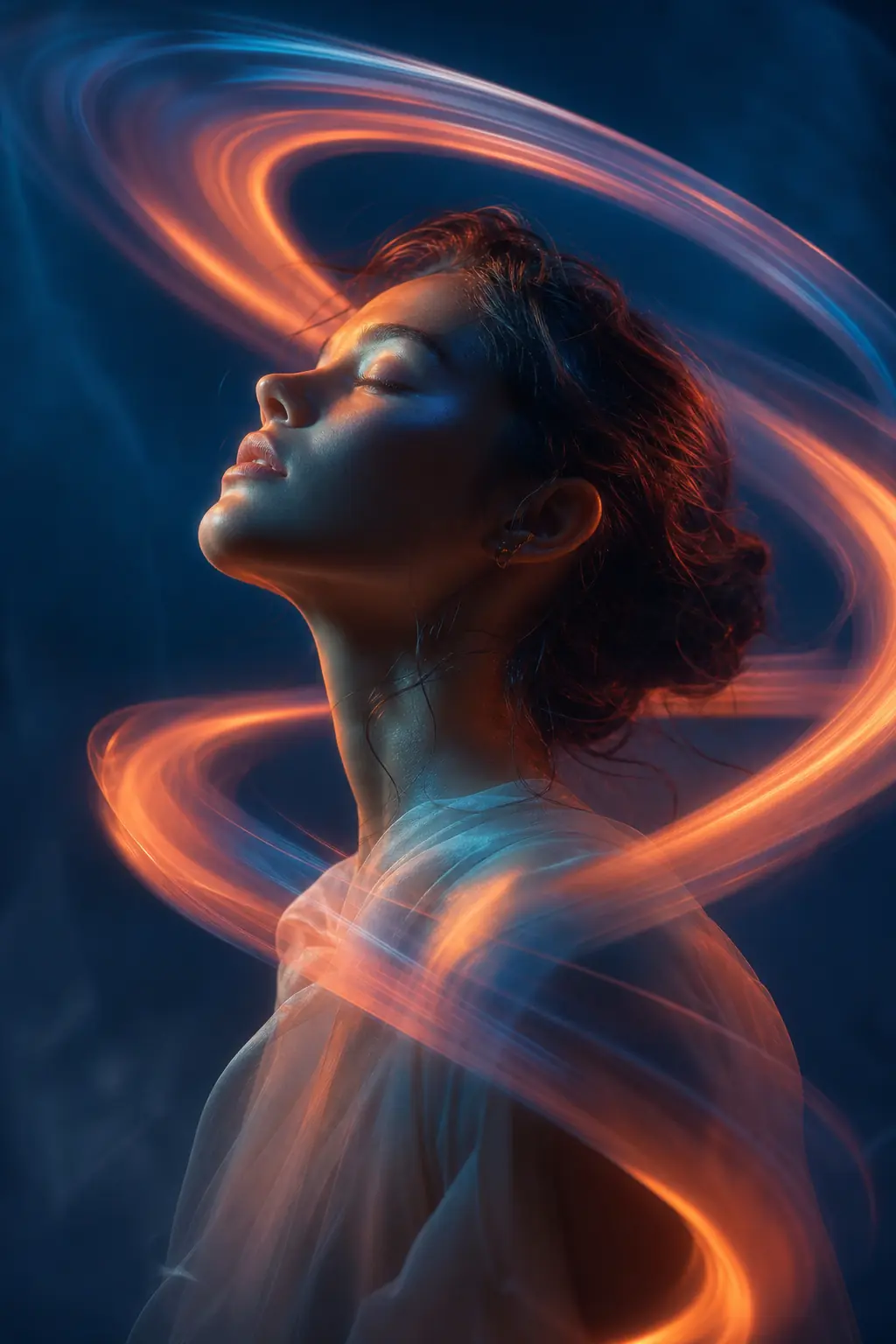
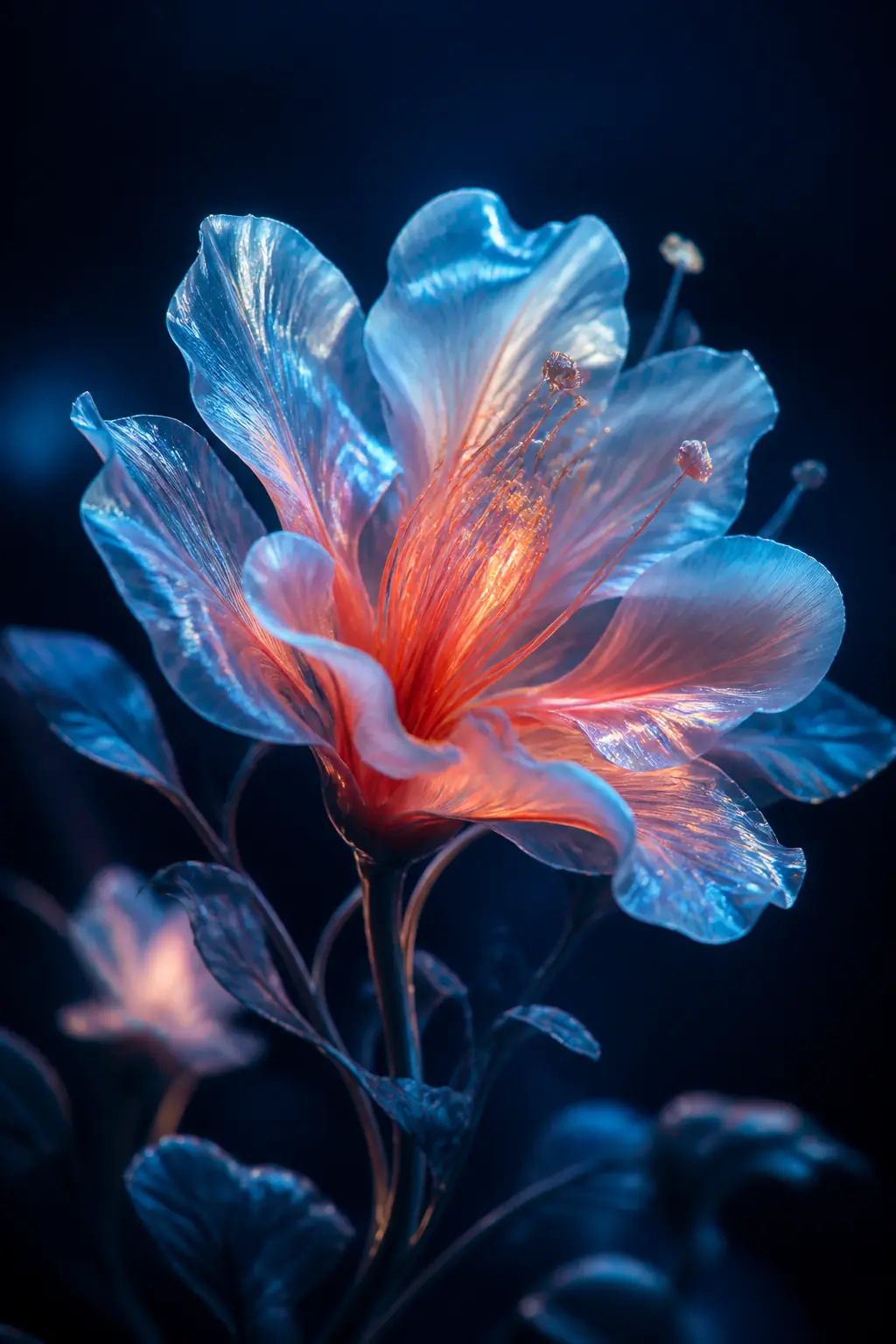
Before & after examples
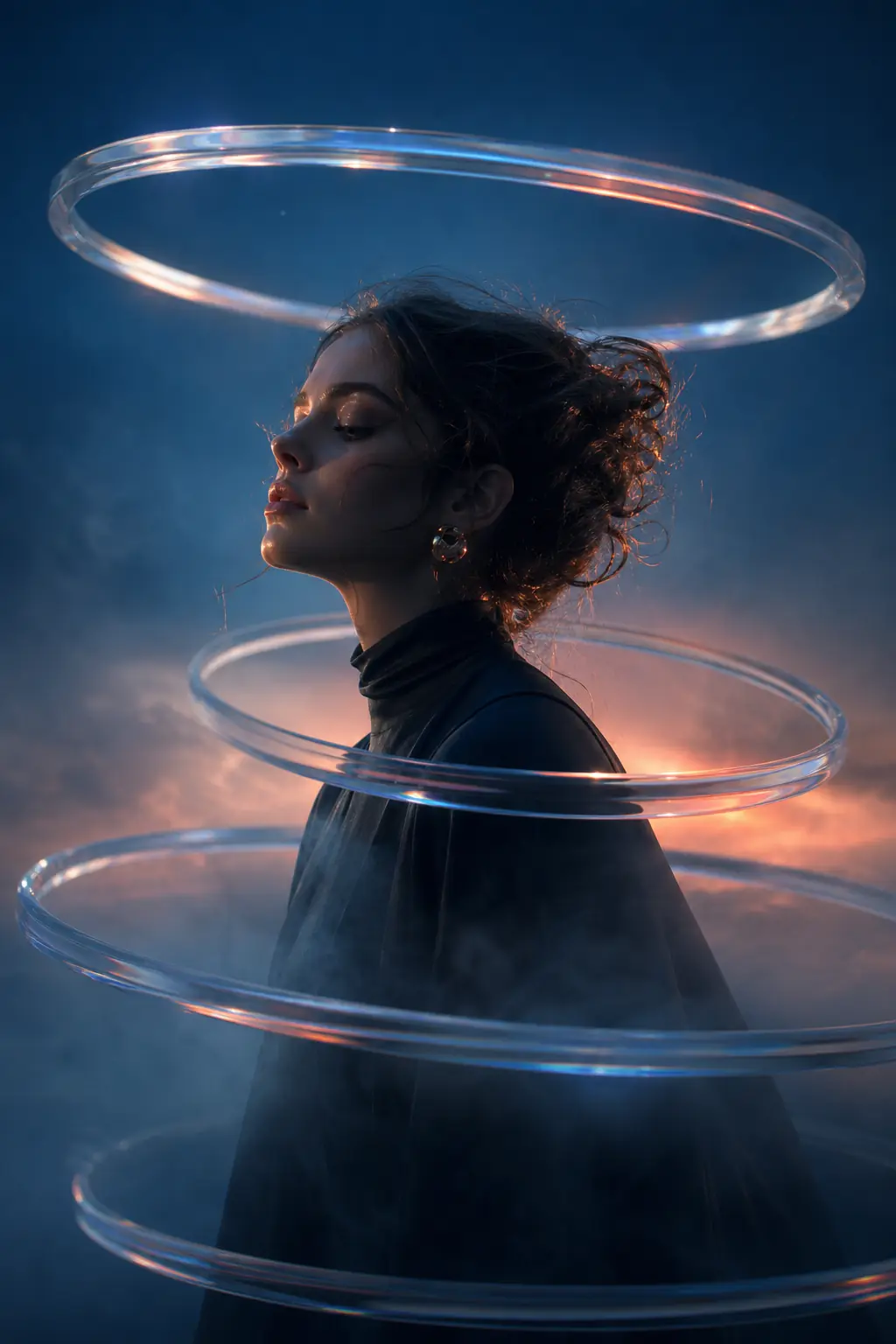
Rendered with this exact tool at these exact settings. Click any image to view or save it full size.
FAQ
What is a halftone?
A printing technique that simulates continuous tone using dots — smaller or sparser dots read as light areas, denser as dark. It's how newspapers and comics printed photos with one or two inks.
Can I choose the dot and background colors?
Yes — Duotone mode lets you set both the dot ink and the base color independently, with any hex values.
What's the best export format for dot art?
PNG keeps dot edges perfectly crisp. Pro unlocks source-resolution export up to 4096px if you're printing posters.