Atkinson dithering — the classic Mac look
Bill Atkinson's HyperCard-era algorithm, live on your photos. High contrast, bright whites, unmistakably retro.
Try Atkinson dithering →Free · no signup · runs locally in your browser
How it works
- Open in Atkinson modeThis page's button pre-selects Dither → Atkinson for you.
- Drop in a photoPortraits and high-contrast scenes shine with this algorithm.
- Go 1-bit (optional)Enable Duotone with black and white for the authentic classic-Mac look, then export.
Atkinson dithering was written by Bill Atkinson for the original Macintosh, and it defined the look of an era: MacPaint, HyperCard, and every 1-bit Mac screen. Unlike Floyd-Steinberg it only diffuses three-quarters of the quantization error, which lifts highlights toward pure white and gives images a crisp, punchy, slightly glowing quality.
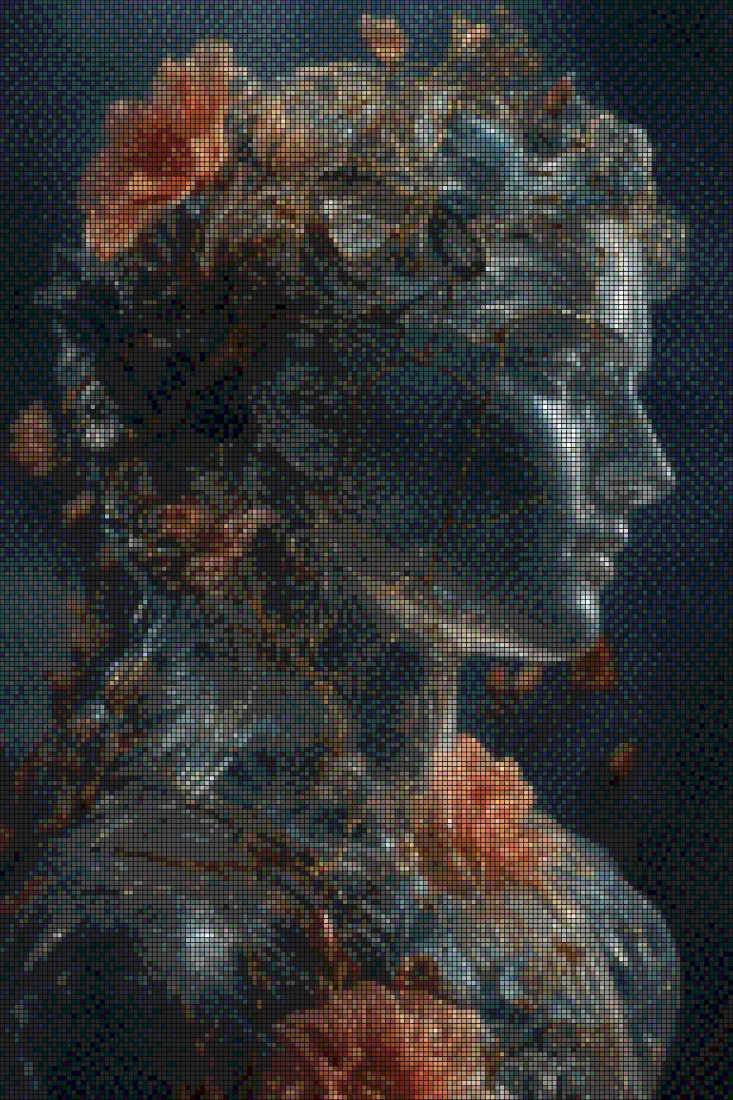
Goldenboy implements Atkinson as a true error-diffusion pass over the sampled grid. Pair it with a black-and-white duotone for the authentic 1-bit Mac aesthetic, or run it over a color palette for something the original hardware never could. Grain, contrast, and 46 grading looks stack on top.
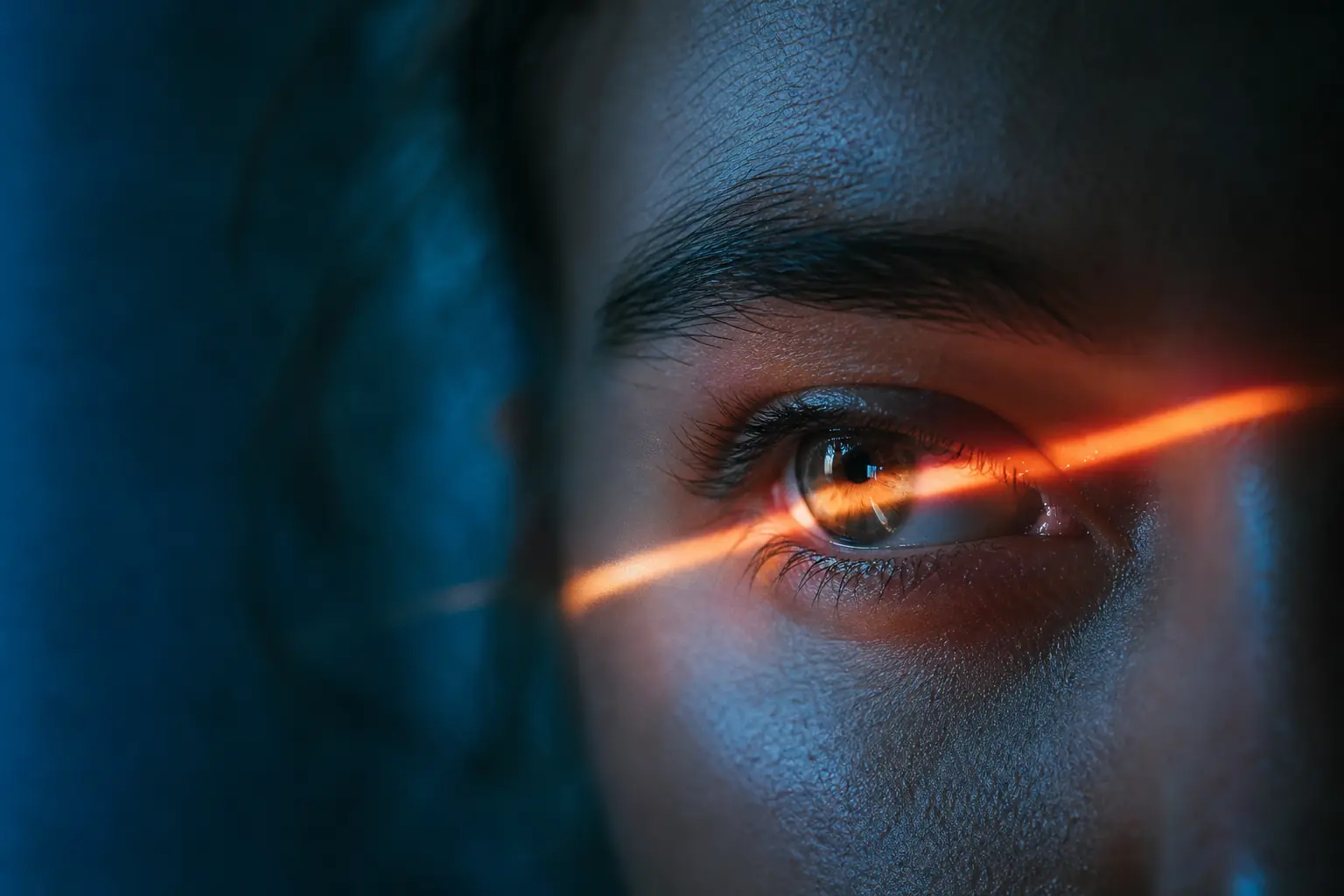
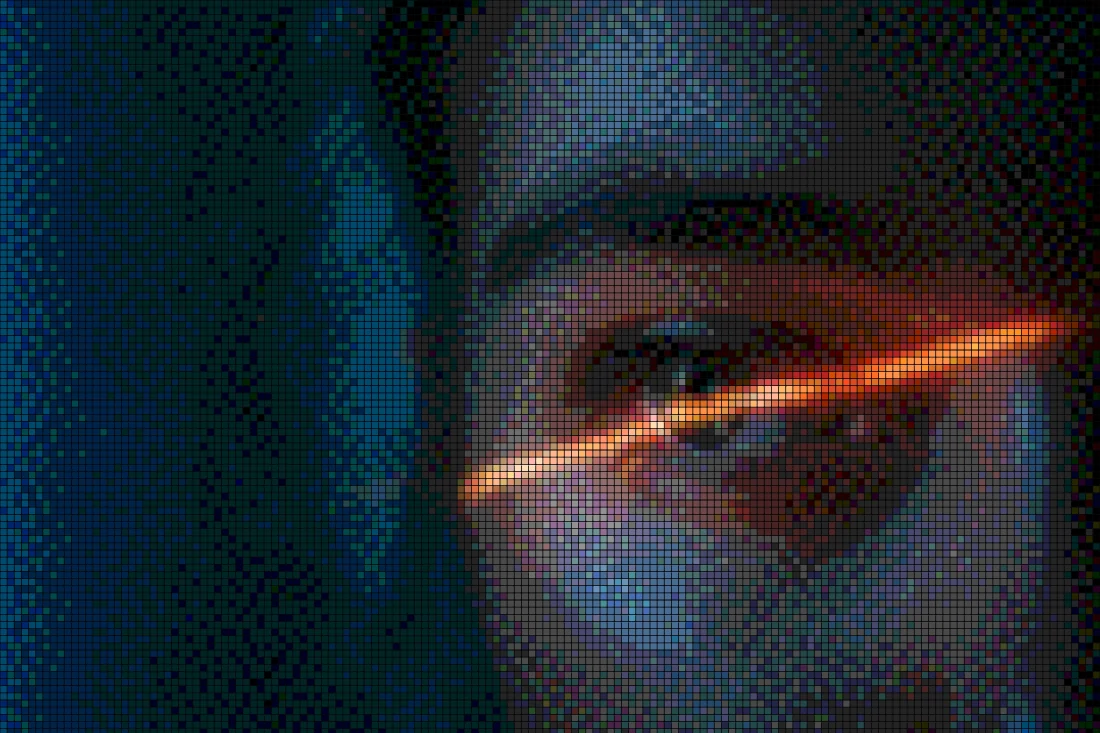
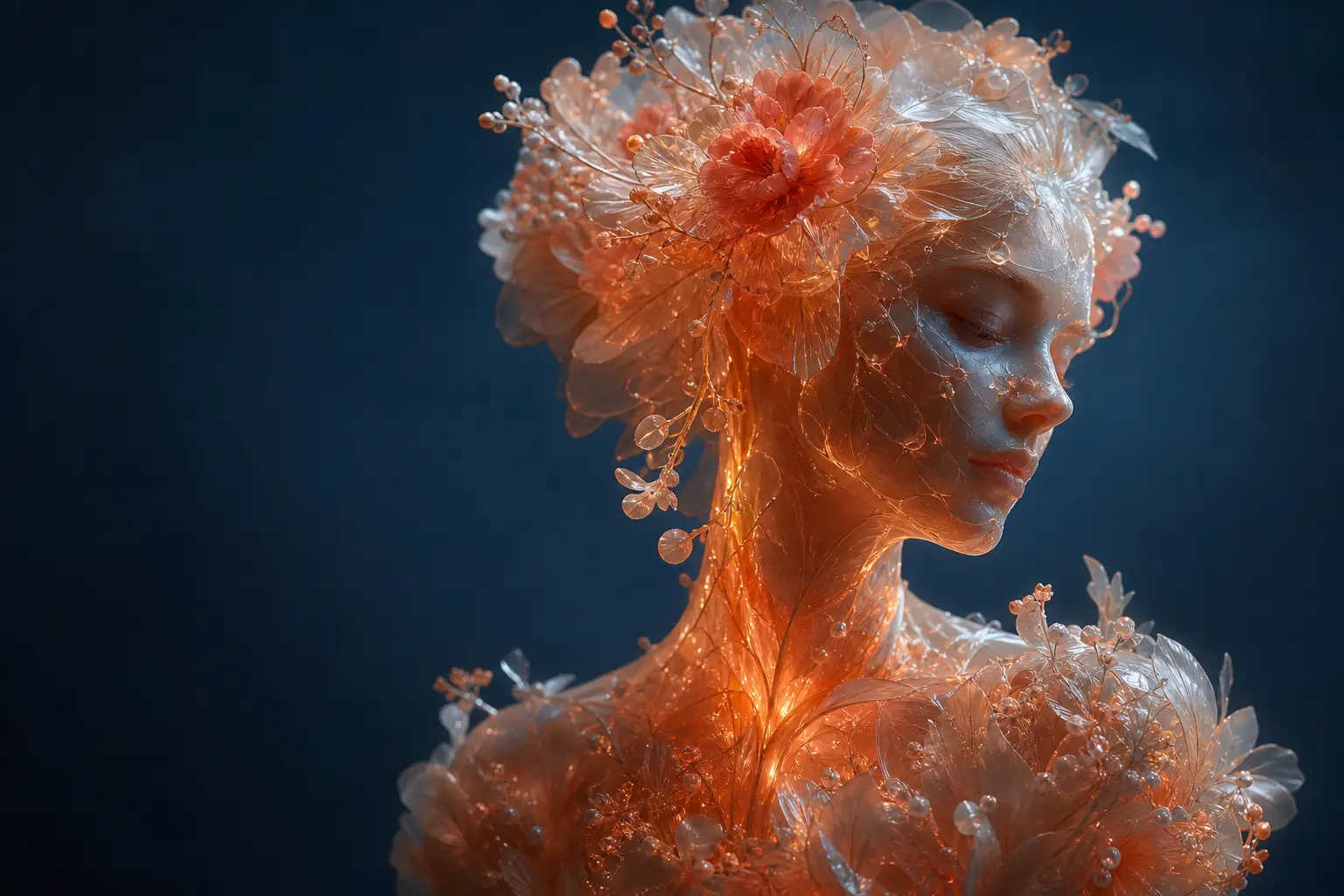
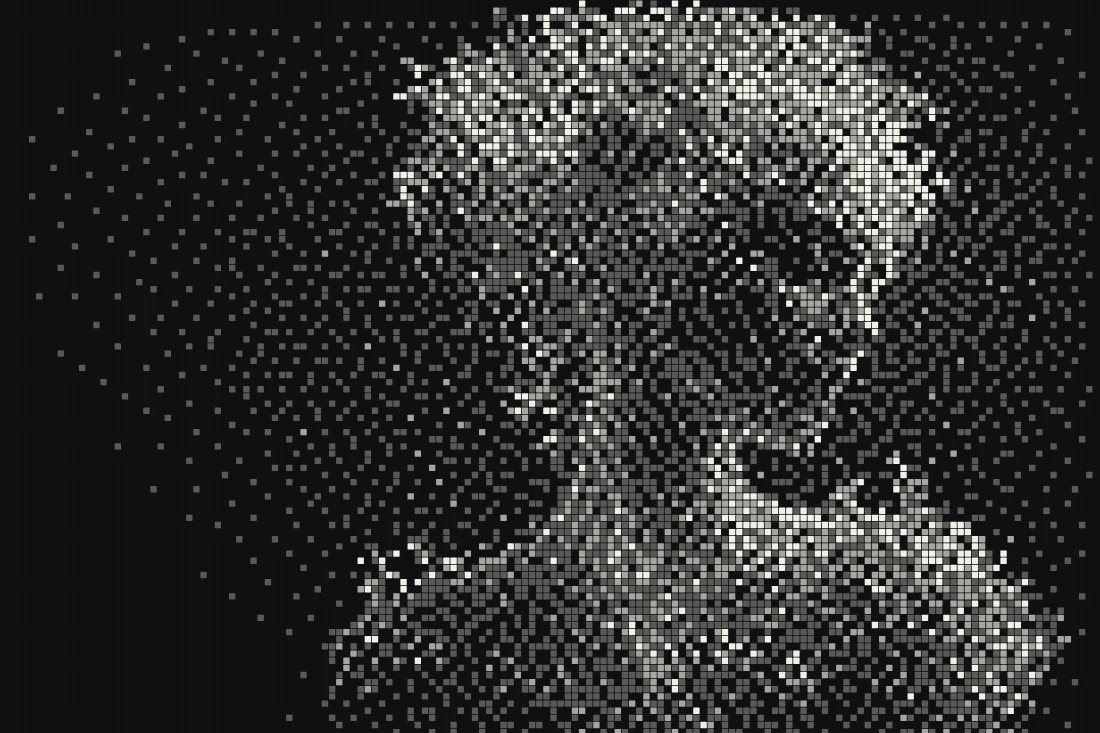
Before & after examples
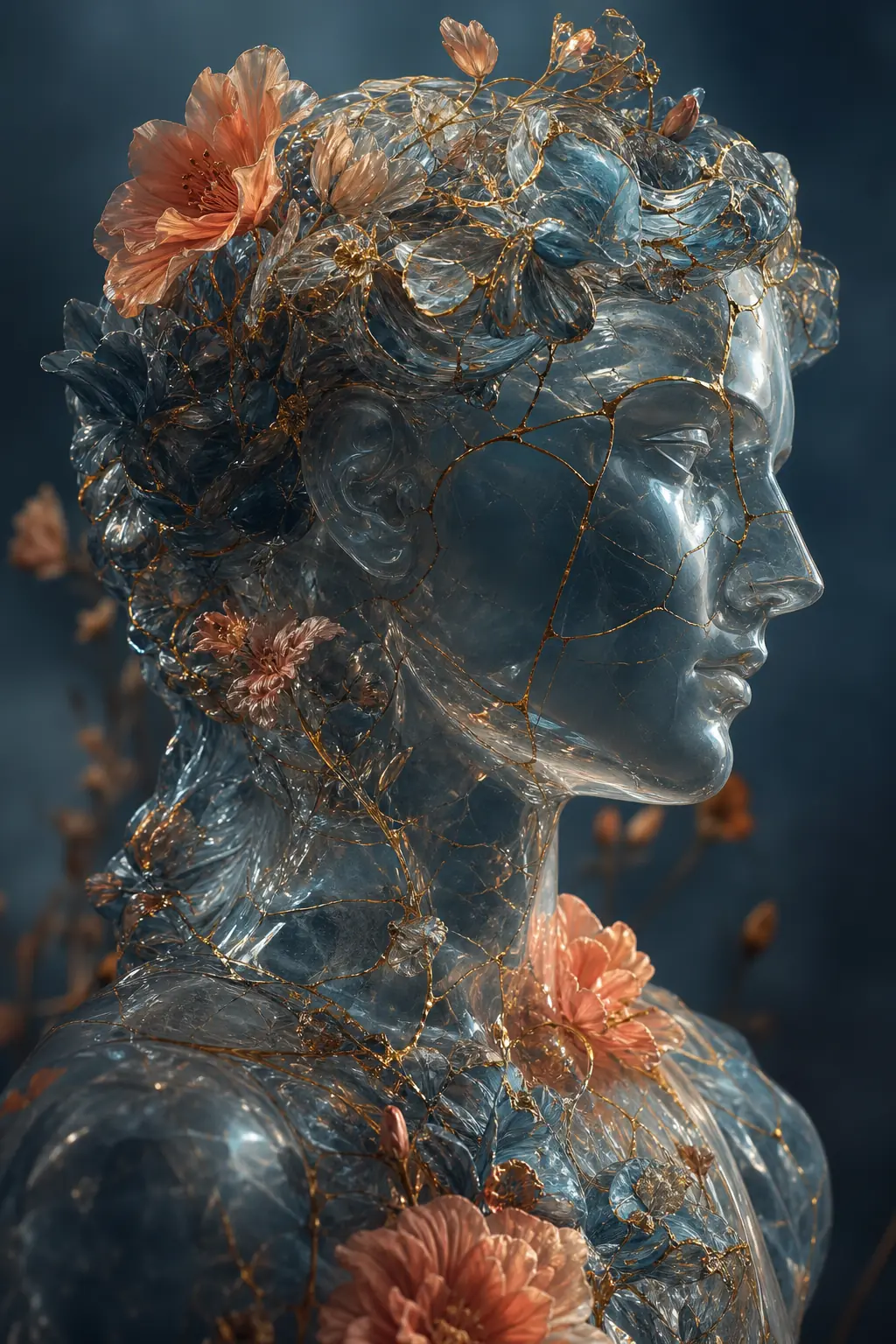
Rendered with this exact tool at these exact settings. Click any image to view or save it full size.
FAQ
What is Atkinson dithering?
An error-diffusion dithering algorithm created by Bill Atkinson at Apple, used in MacPaint and HyperCard. It diffuses only 6/8 of the quantization error to neighbors, producing higher contrast and brighter highlights than Floyd-Steinberg.
How do I get the authentic 1-bit Macintosh look?
Choose Atkinson, push density low, and enable Duotone with near-black and near-white. Export as PNG to keep the pattern crisp.
Atkinson vs Floyd-Steinberg — which should I pick?
Atkinson for graphic punch and retro authenticity; Floyd-Steinberg for smoother, more faithful photographic tone. Switching between them is one click, so try both.