Floyd-Steinberg dithering, live on your photo
The classic error-diffusion algorithm — the smoothest way to render a photo in a handful of colors.
Try Floyd-Steinberg dithering →Free · no signup · runs locally in your browser
How it works
- Open the editorThis link starts you in Dither mode with Floyd-Steinberg pre-selected.
- Add your photoDrop in any image; it is processed locally in your browser.
- Adjust and exportSet density (color levels) and pixel size, then export your PNG free.
Floyd-Steinberg is the best-known error-diffusion dither: each pixel is quantized to the nearest palette level and the rounding error is pushed onto its right and lower neighbors in a 7/16-5/16-3/16-1/16 split. The result keeps photographic gradients remarkably smooth even at brutal color budgets — which is why it became the default in classic image software.
In Goldenboy the algorithm runs on the sampled pixel grid, so you can pair it with any pixel size, quantization density, duotone palette, or grading look and the diffusion pattern stays correct. Compare it against Atkinson or Stucki with one click to see which suits your image.
Before & after examples
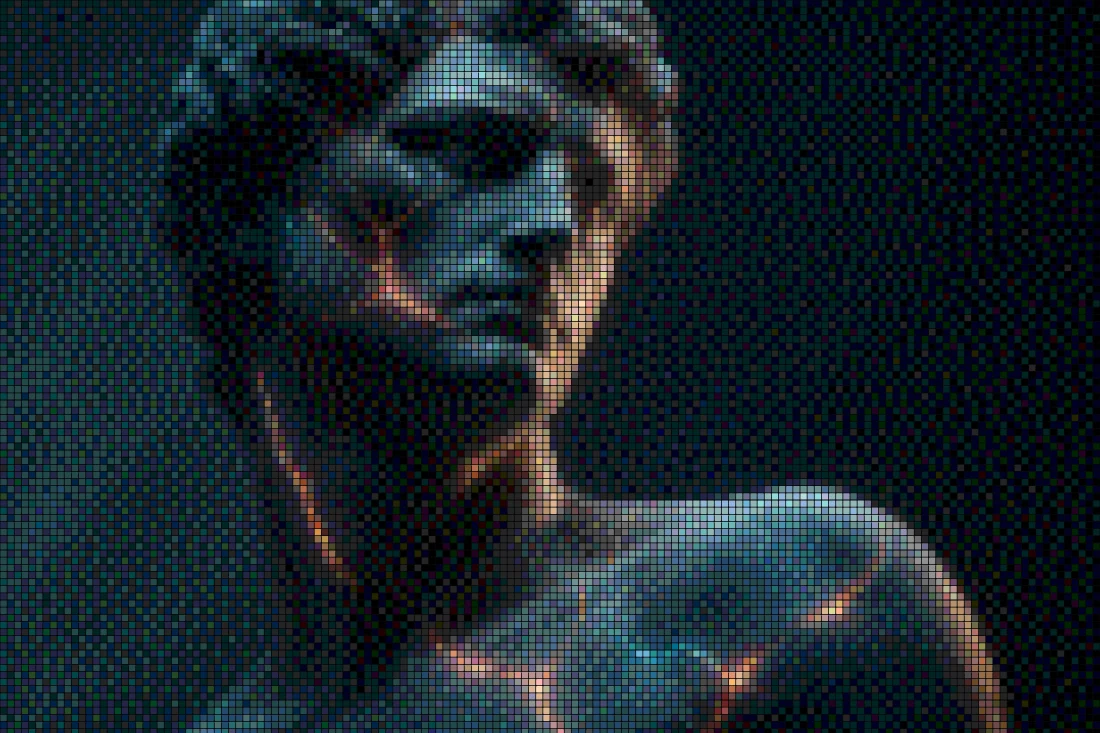
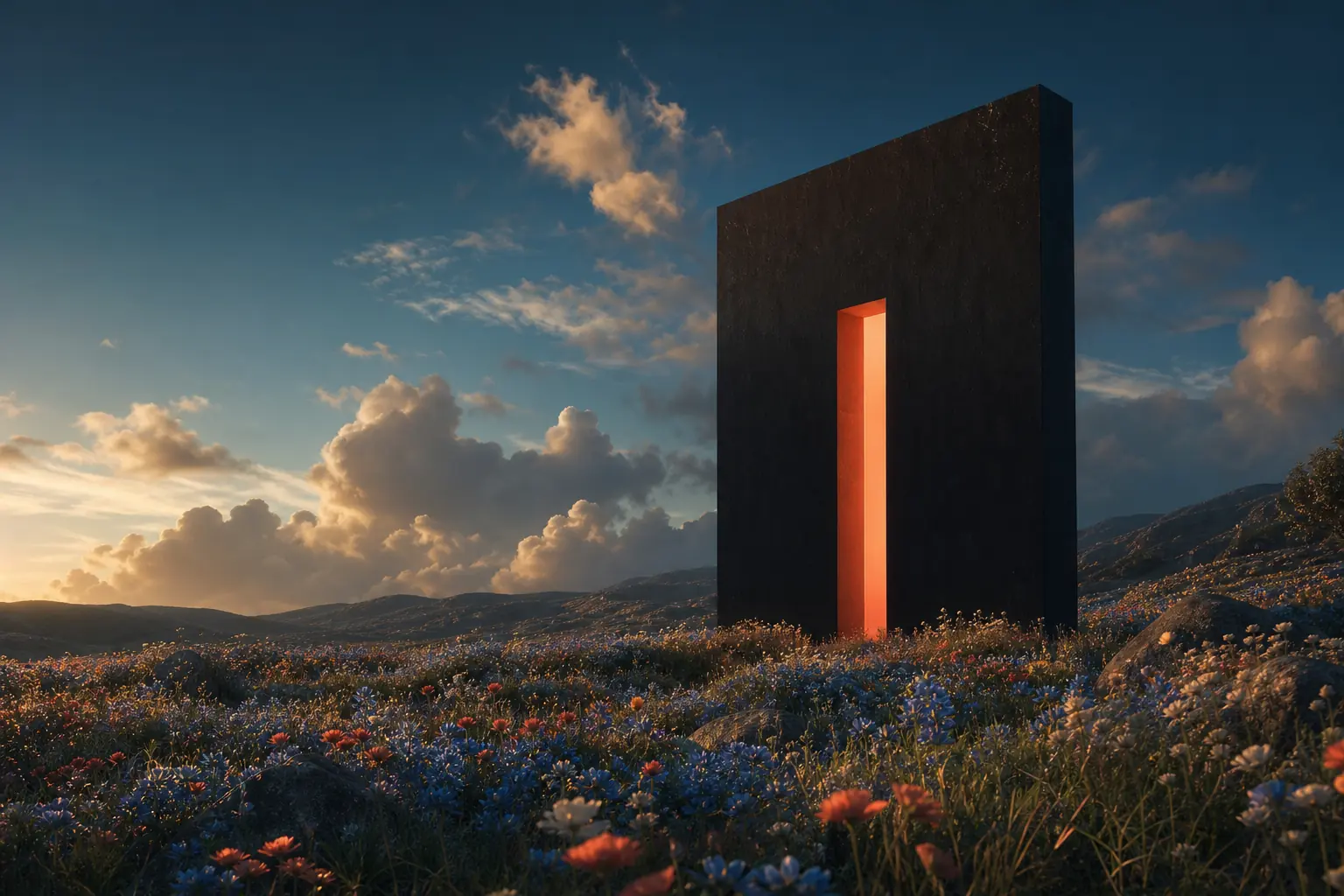
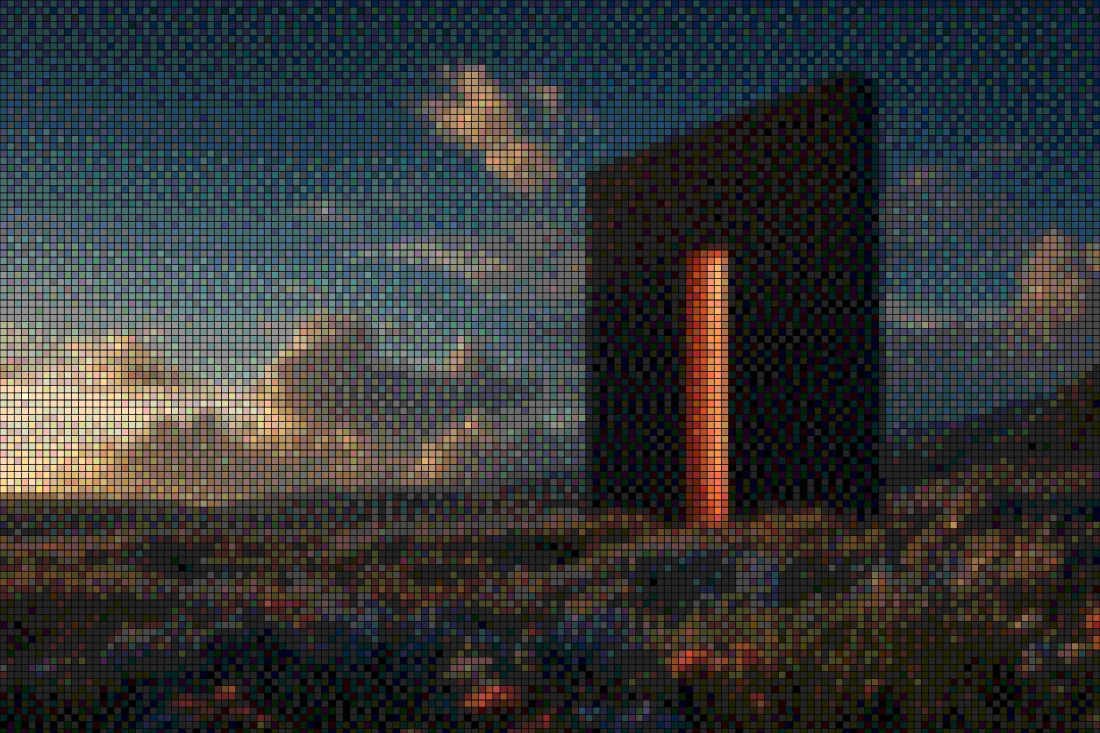
Rendered with this exact tool at these exact settings. Click any image to view or save it full size.



FAQ
What makes Floyd-Steinberg different from Bayer dithering?
Floyd-Steinberg diffuses quantization error to neighboring pixels, producing organic, noise-like texture that tracks the image. Bayer is an ordered dither — a fixed repeating matrix — which produces a regular crosshatch pattern instead.
Why does my dithered image look smoother than other tools?
Goldenboy runs the diffusion in grid space at your chosen pixel size rather than on raw output pixels, so the pattern scales coherently instead of shimmering.
Can I use the result commercially?
Yes — your exports are your own. The tool is free for standard exports, with a one-time Pro unlock for source-resolution output.