Pixelate any image, instantly
One slider from subtle mosaic to full pixel art. Local processing, live preview, free export.
Pixelate an image now →Free · no signup · runs locally in your browser
How it works
- Drop in your imageJPG, PNG, or WebP — it's processed locally, never uploaded.
- Drag the pixel sliderWatch the pixelation update live on the full image.
- Export your PNGFree, instant, watermark-free.
Sometimes you just need an image pixelated — to stylize it, to make a mosaic background, or to abstract a detail. Goldenboy does it with a single pixel-size slider over a live, full-size preview: drag until it looks right, export, done. No upload spinner, no account wall, no watermark.
Because it's a full editor underneath, you're one click from more than plain squares whenever you want it — color quantization, dithering texture, dot or brick shapes, duotone palettes, and 46 grading looks. Start with a simple pixelation and see where it goes.
Before & after examples
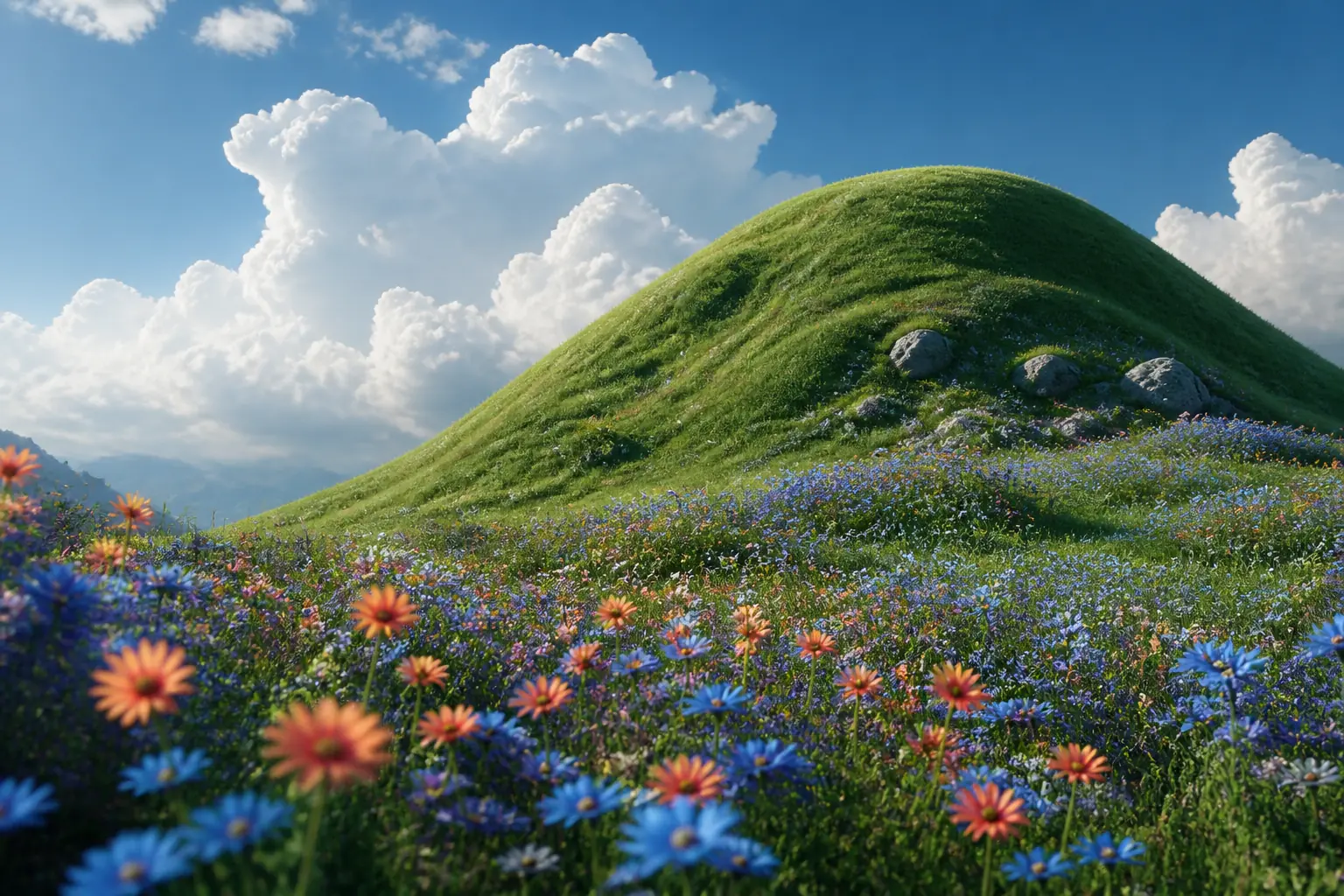
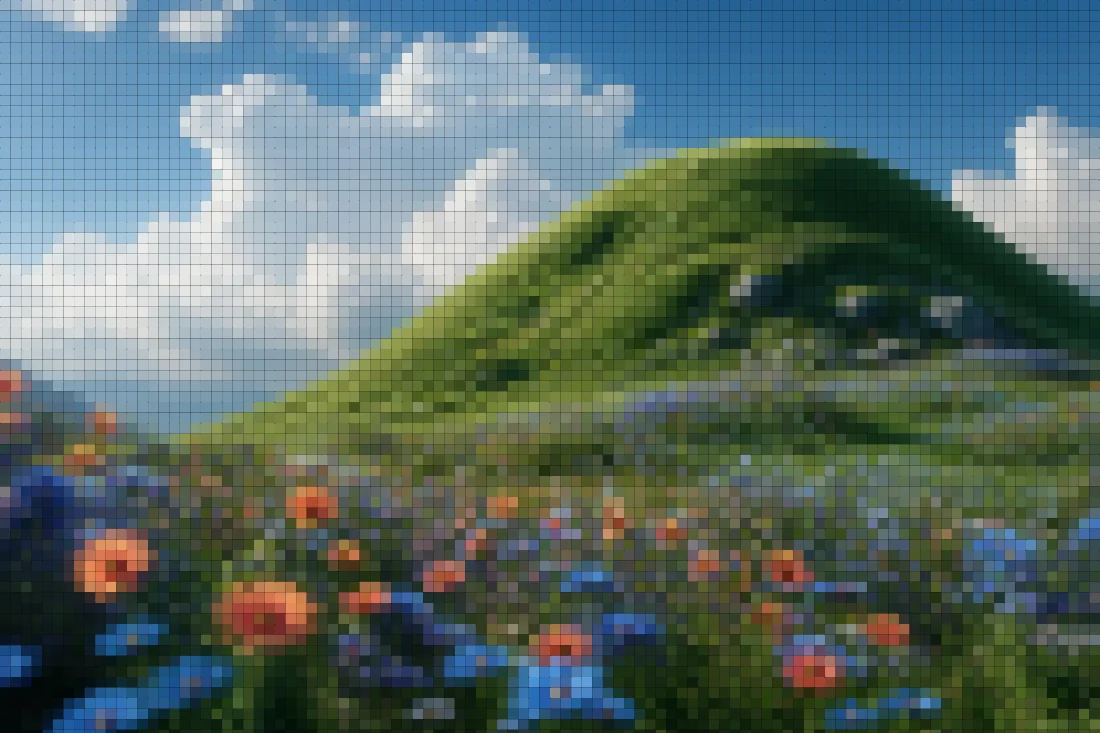
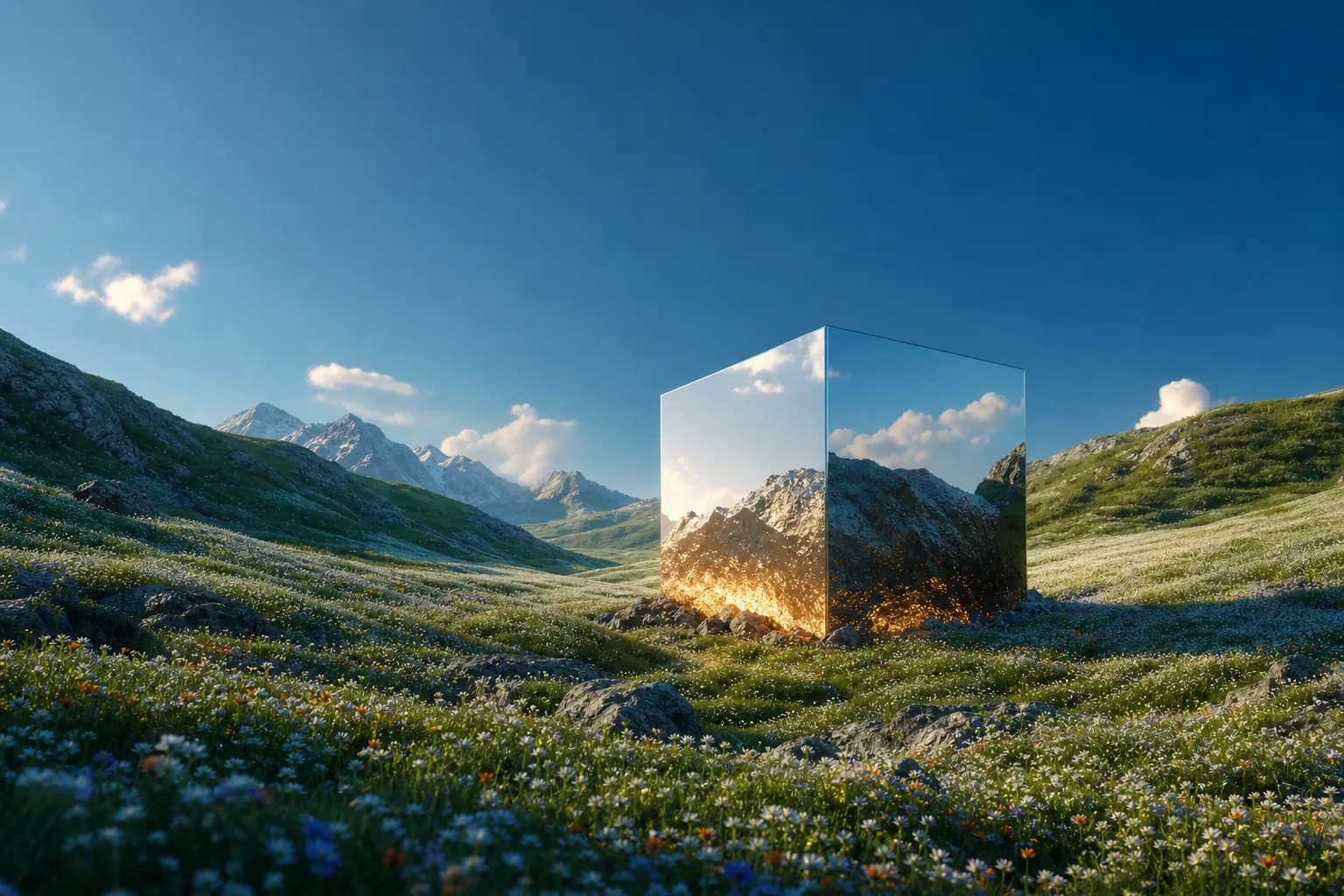
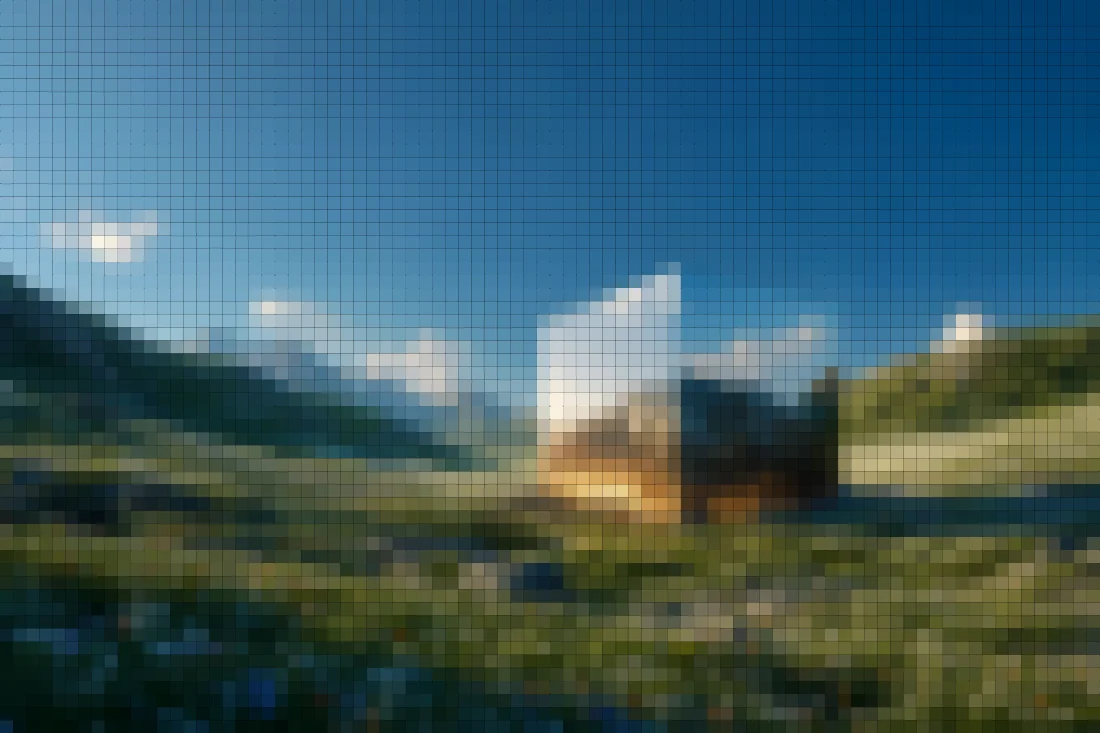
Rendered with this exact tool at these exact settings. Click any image to view or save it full size.


FAQ
Is pixelation here safe for hiding sensitive info?
Treat pixelation as a visual style, not security — coarse mosaics of text can sometimes be reconstructed. For redaction, fully block out the region instead.
What's the maximum image size?
Any common image loads; free exports render at 1200px on the long edge, and Pro re-renders at true source resolution up to 4096px.
Can I pixelate a GIF or video?
Video clips, yes — load an MP4/WebM and export the pixelated result as MP4.