Dither any image, right in your browser
Five real dithering algorithms with a live full-size preview. Pick a palette, pick an algorithm, export.
Open the dithering tool →Free · no signup · runs locally in your browser
How it works
- Load an imageDrag in any photo — nothing is uploaded, processing is local.
- Pick an algorithmFloyd-Steinberg for smooth photos, Atkinson for that classic Mac bite, Bayer for pattern texture.
- Tune and exportAdjust density and palette, then download your dithered PNG free.
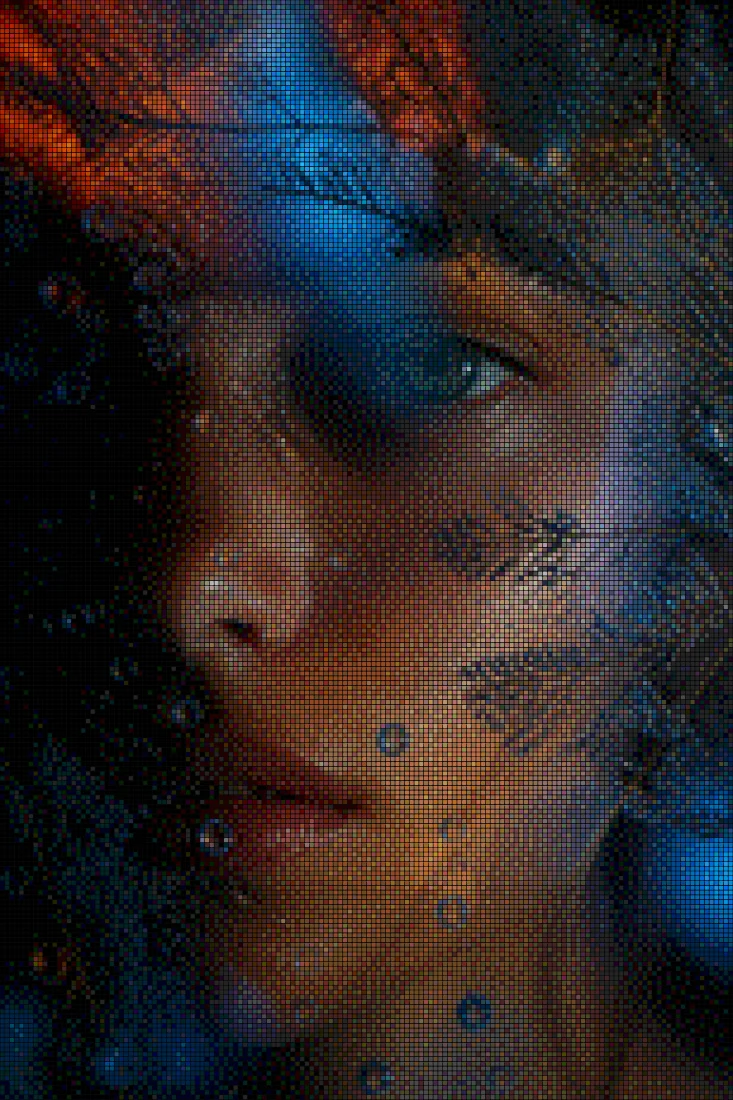
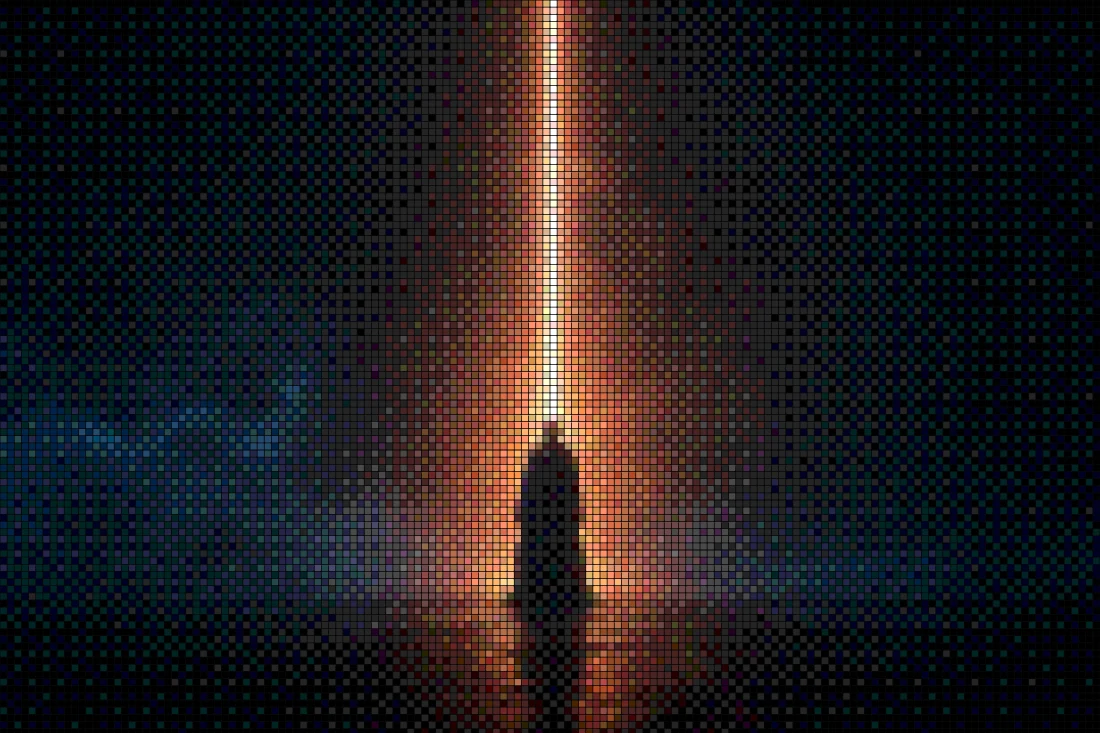
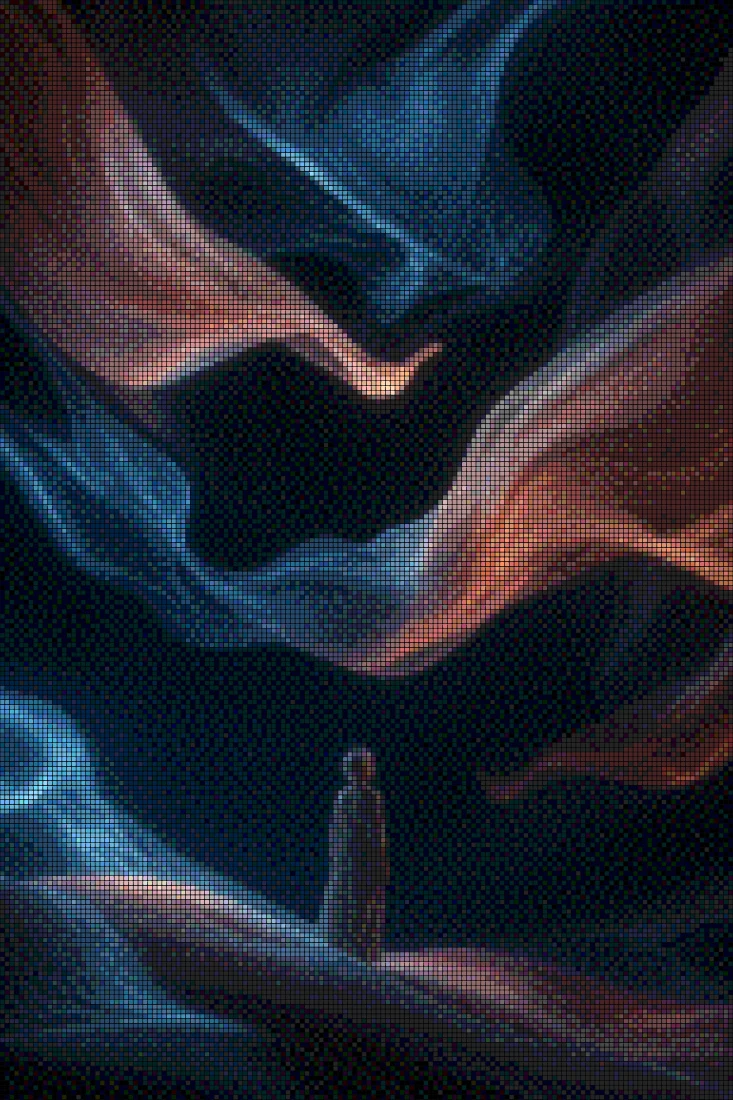
Dithering approximates smooth tones with patterns of a few colors — the look of early Macs, game consoles, and risograph prints. Goldenboy implements the classic error-diffusion algorithms (Floyd-Steinberg, Atkinson, Stucki) and ordered Bayer matrices (4×4 and 8×8) as true per-pixel passes, not CSS filters, so the output is pixel-identical between the preview and your export.
Combine dithering with duotone color pairs, grain, contrast, and 46 grading looks to go from subtle texture to full retro-print poster. The algorithms operate in grid space, which means the pattern stays coherent when you scale the pixel size — a detail cheap dither tools get wrong.
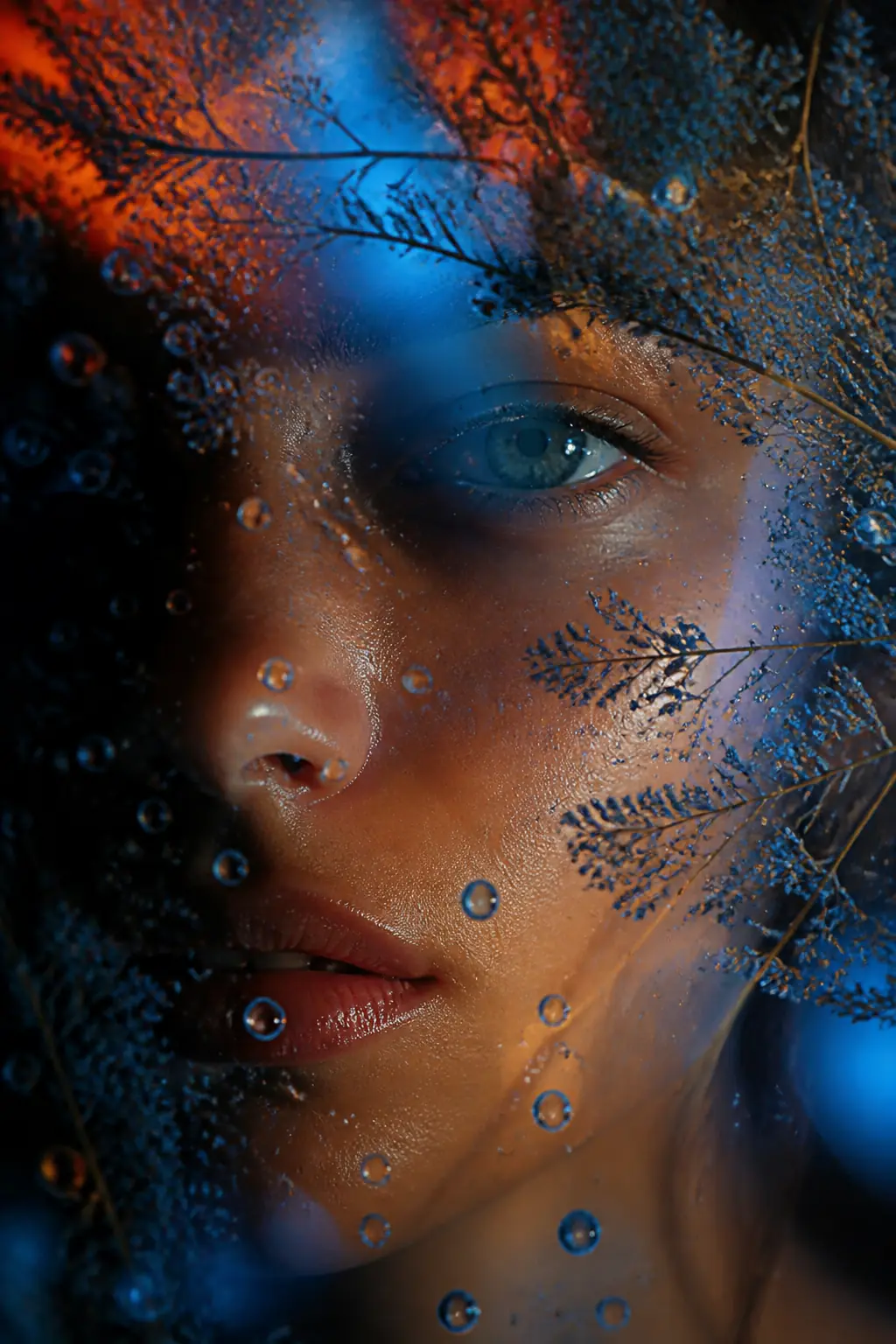
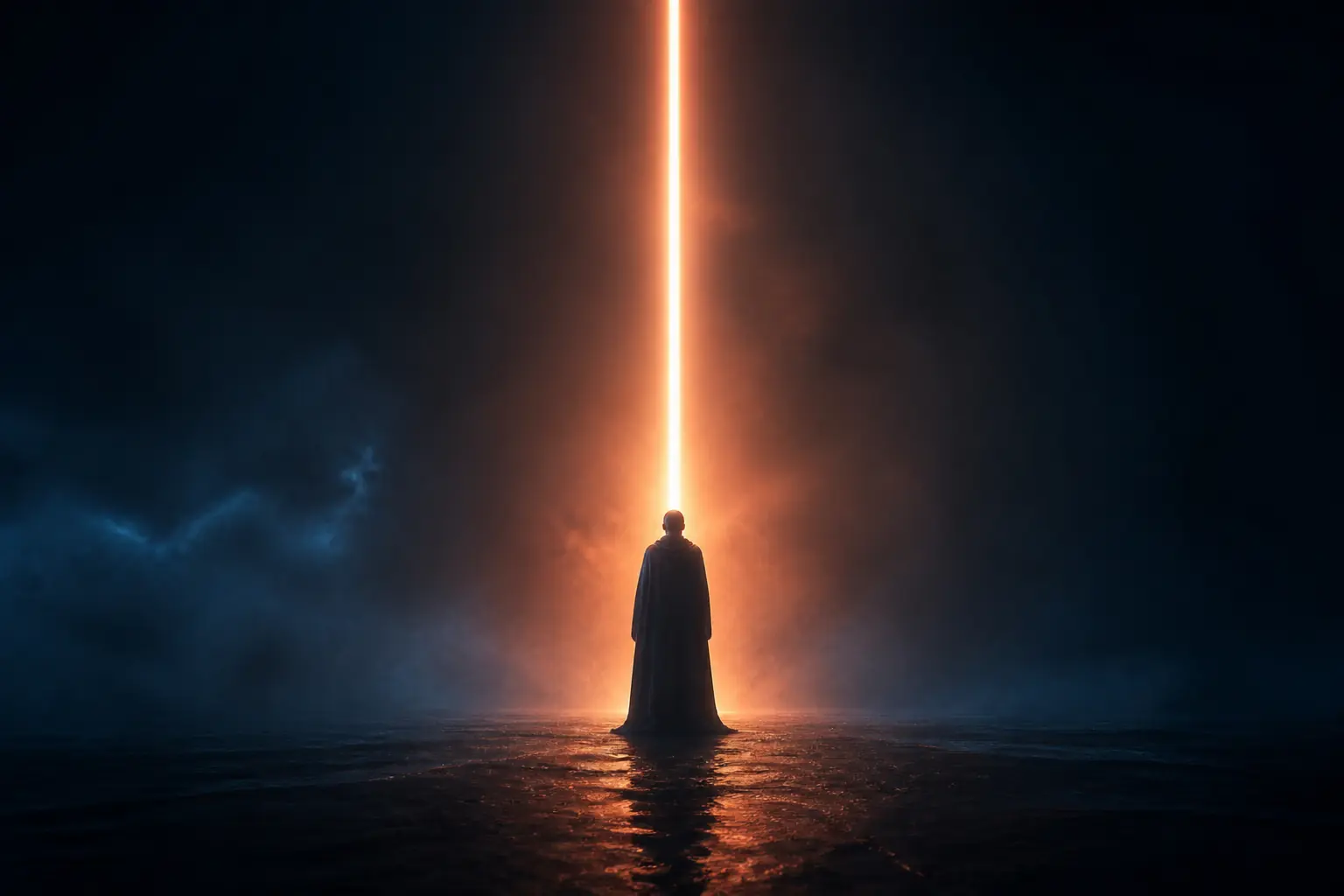
Before & after examples
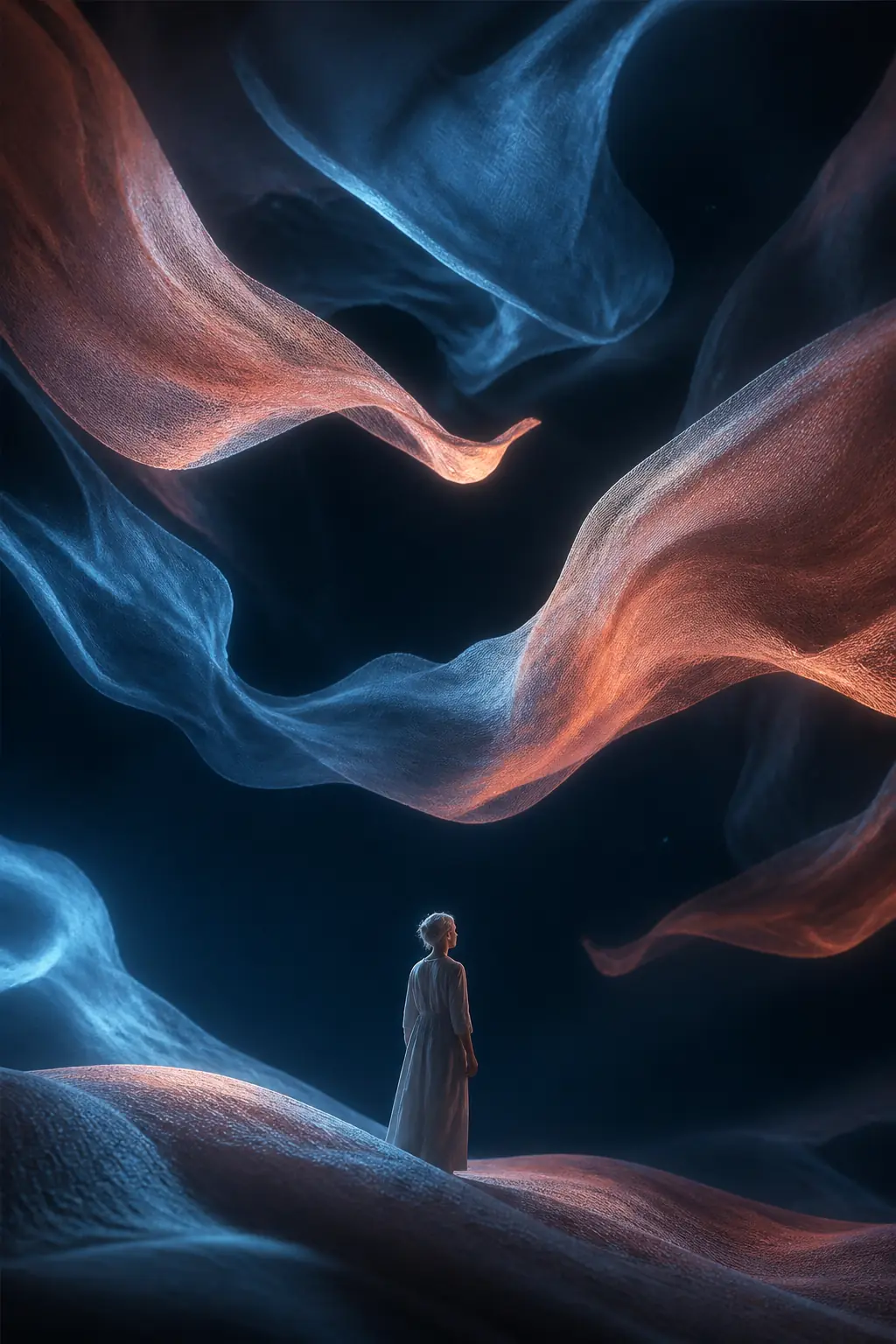
Rendered with this exact tool at these exact settings. Click any image to view or save it full size.
FAQ
Which dithering algorithm should I use?
Floyd-Steinberg gives the smoothest photographic results; Atkinson is punchier with more contrast (the classic early-Macintosh look); Stucki is a sharper error-diffusion variant; Bayer 4×4 and 8×8 produce visible crosshatch patterns that read as deliberately retro.
Can I dither to two custom colors?
Yes — enable Duotone and pick any pair of colors for pixels and base. It works with every algorithm, so you can build risograph-style two-ink prints from any photo.
Does the export match the preview exactly?
Yes. Dithering runs in grid space on the sampled cells, so the preview and the export — including Pro source-resolution exports — are pixel-identical.