Bayer ordered dithering, live
The fixed-matrix crosshatch of old video games, demoscene graphics, and obra-dinn-style renders.
Try Bayer dithering →Free · no signup · runs locally in your browser
How it works
- Start in Bayer modeThis link opens the editor with the 8×8 ordered dither active — switch to 4×4 in one click.
- Add an image or videoOrdered dither is rock-stable across frames, so video exports look clean.
- Tune density and exportLower density for bolder pattern, then export PNG or MP4.
Bayer (ordered) dithering thresholds each pixel against a fixed repeating matrix instead of diffusing error. The signature result is a stable, regular crosshatch pattern — the texture you know from DOS games, early mobile screens, and modern throwbacks like Return of the Obra Dinn. Because the pattern is position-locked, it doesn't crawl or shimmer, which also makes it the best choice for dithered video.
Goldenboy ships both 4×4 and 8×8 Bayer matrices. The 4×4 gives a coarser, chunkier texture; the 8×8 renders more tonal steps with a finer weave. Both run in grid space, scale cleanly with pixel size, and combine with duotone palettes for two-ink print looks.
Before & after examples
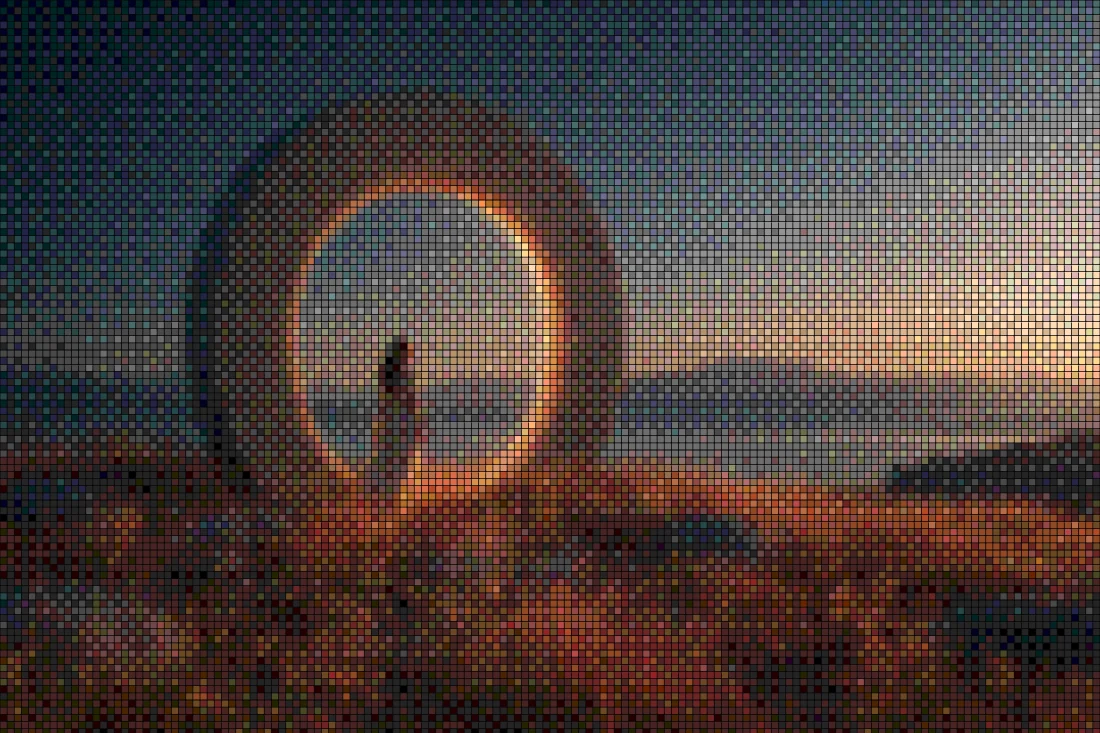
Rendered with this exact tool at these exact settings. Click any image to view or save it full size.





FAQ
What's the difference between Bayer 4×4 and 8×8?
The matrix size sets how many threshold levels the pattern can express. 4×4 gives 16 levels and a chunky, obvious weave; 8×8 gives 64 levels and a finer, smoother texture.
Why use ordered dithering for video?
Error-diffusion patterns recompute per frame and visibly crawl. A Bayer matrix is fixed to pixel positions, so the texture stays put while the content moves — much cleaner animated results.
Is this the Obra Dinn effect?
Return of the Obra Dinn uses 1-bit ordered dithering — pick Bayer, drop density, and enable a dark/light duotone to get in the same family.