Rebuild any photo in bricks
A live brick-mosaic effect with studs, shading, and adjustable brick size — from any image, in seconds.
Open the brick art tool →Free · no signup · runs locally in your browser
How it works
- Open brick modeThis link starts the editor with the brick effect selected.
- Pick your subjectHigh-contrast portraits and bold logos read best as bricks.
- Size the bricks and exportBigger bricks for icons, smaller for murals — then download your PNG.
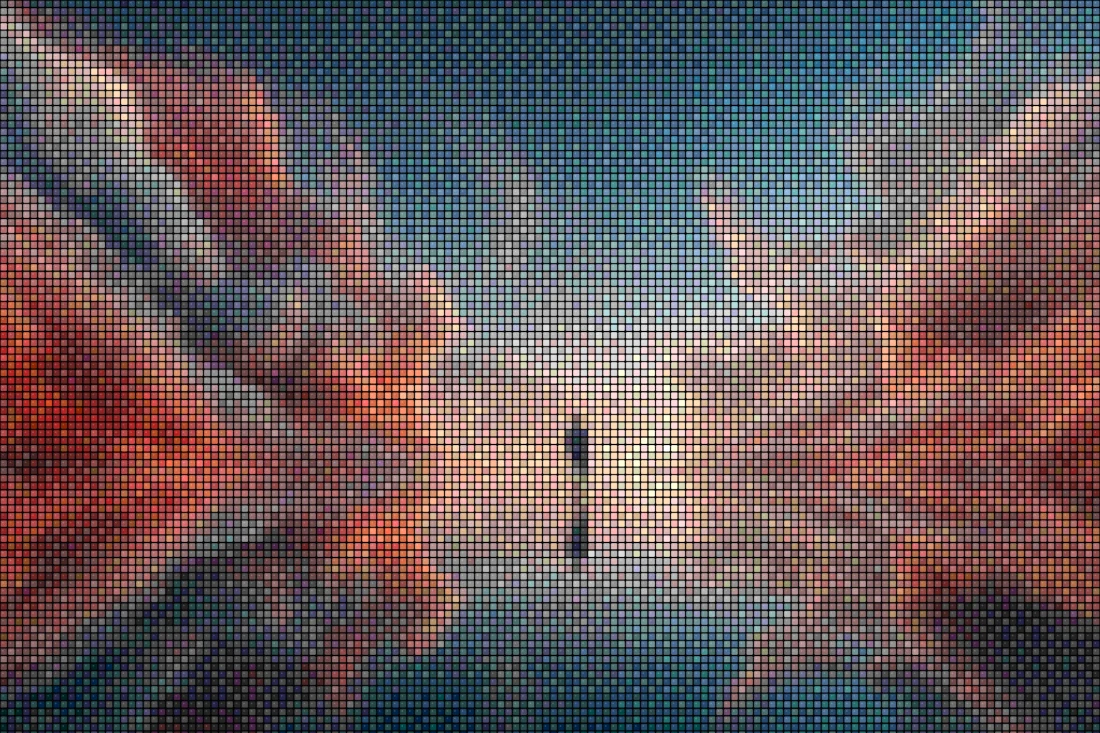
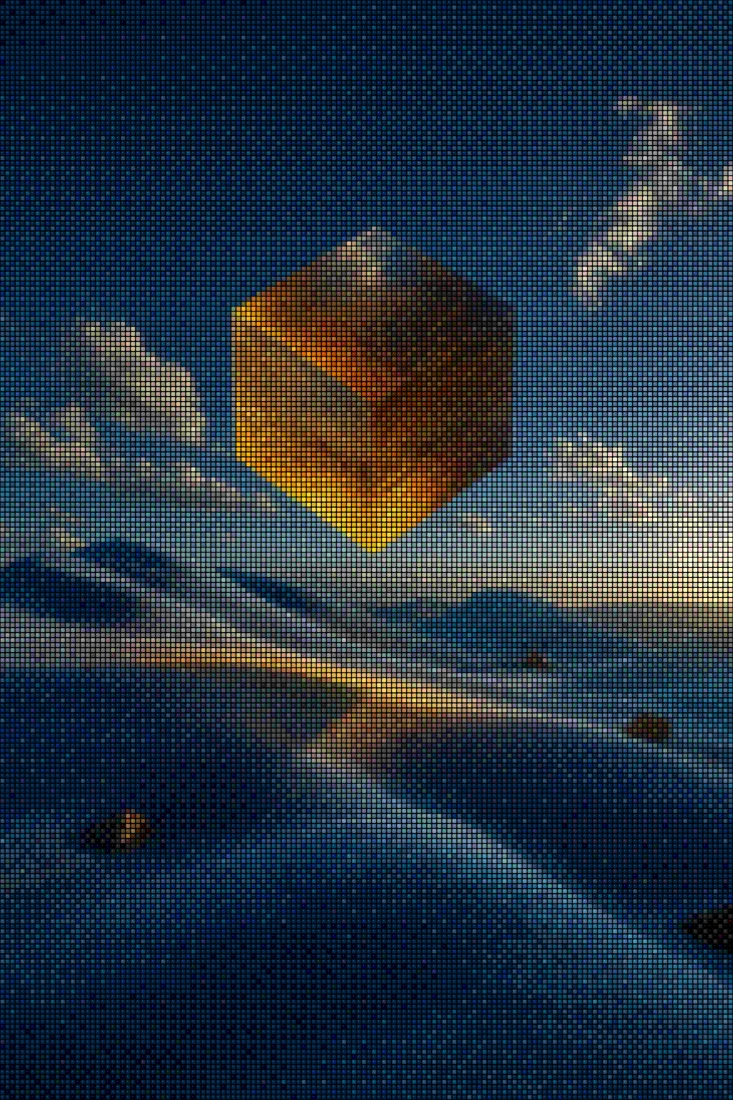
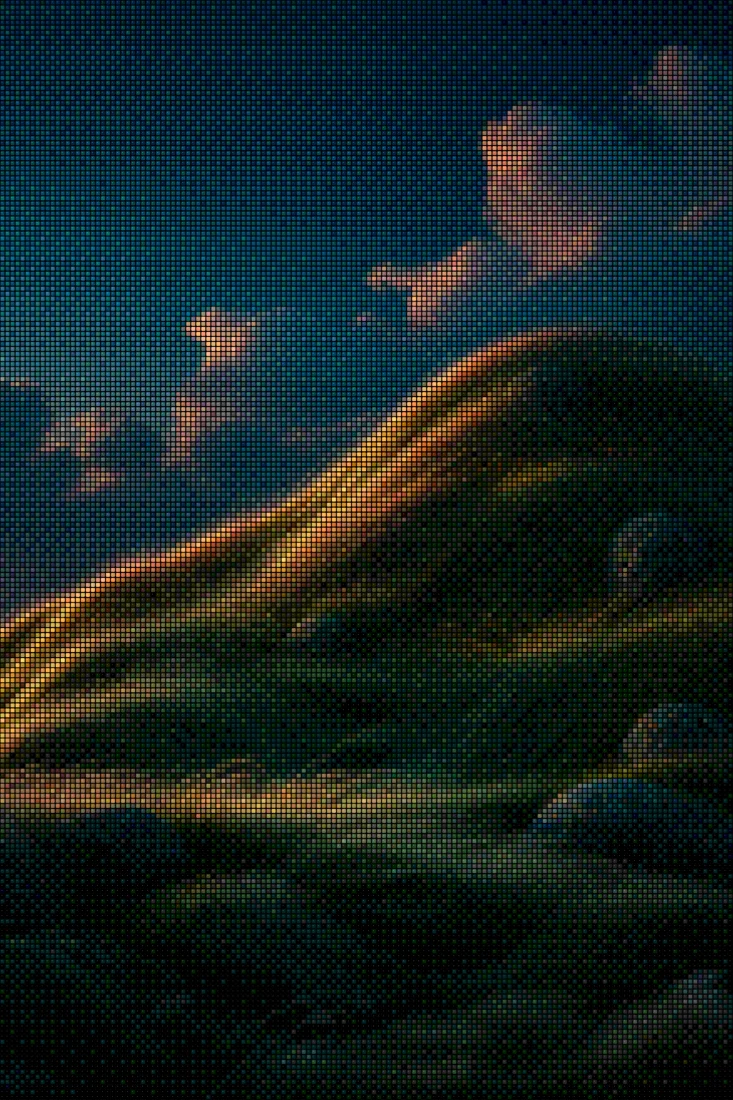
Brick mode maps your photo onto a stud-topped brick grid, so the output looks like a plastic-brick mosaic rather than plain squares — each cell gets the highlight and shadow of a real stud. Slide the brick size to move between a wall-sized mural of tiny bricks and a chunky icon you could genuinely build.
It's a favorite for gifts and avatars: portraits, pets, and album covers all translate well. Tune color density to snap the image toward a limited brick palette, add a grading look for warmth or contrast, and export a free PNG. Pro's source-resolution export gives you a file crisp enough to print as a poster or use as a build reference.
Before & after examples
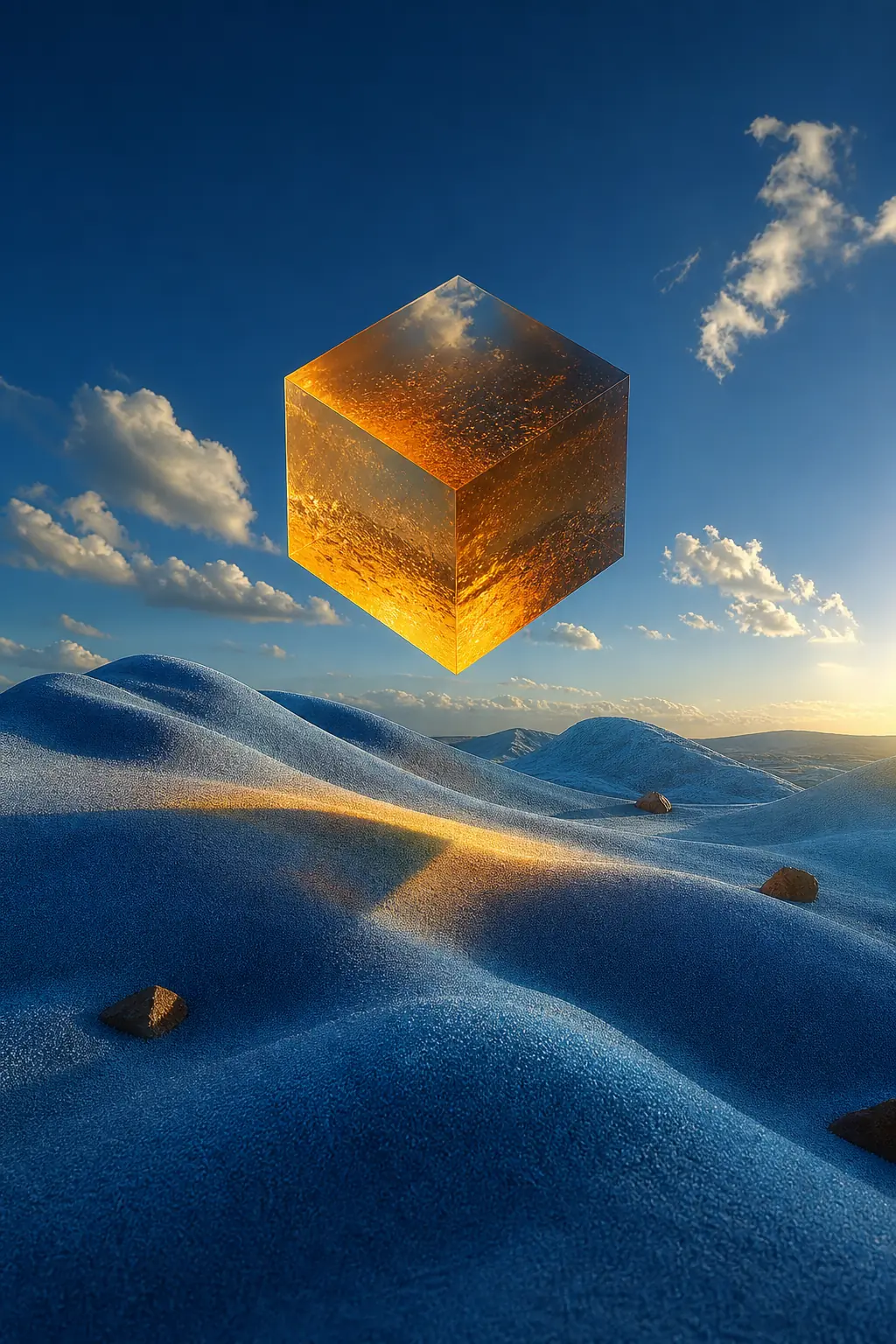
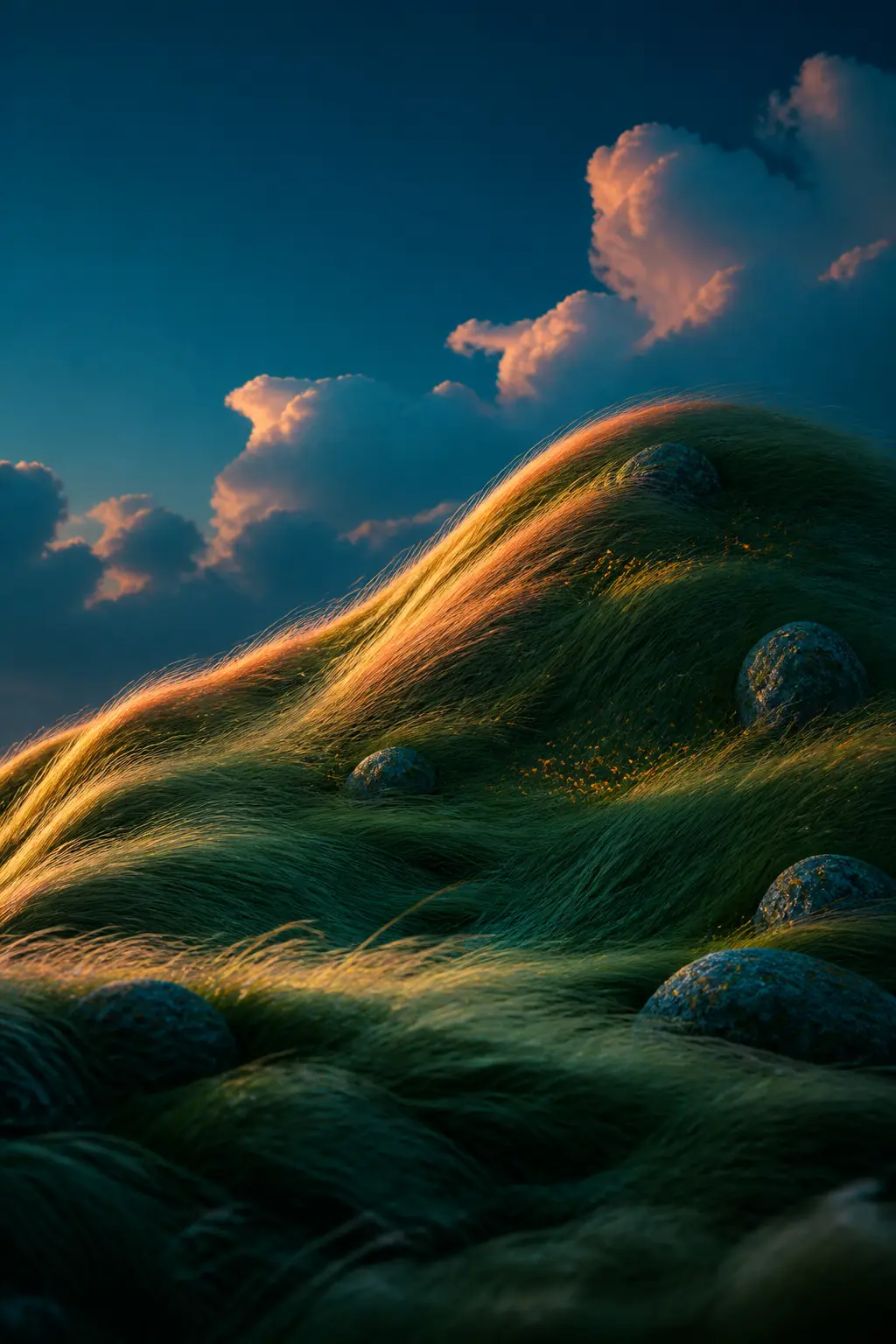
Rendered with this exact tool at these exact settings. Click any image to view or save it full size.

FAQ
Can I use this to plan a real brick build?
It's a visual effect rather than a parts-list generator, but at larger brick sizes the grid is an honest mosaic reference — many people use exports as a guide and improvise the palette from bricks they own.
Is this affiliated with LEGO?
No. Goldenboy is an independent tool; "LEGO" refers to the familiar brick-and-stud visual style the effect emulates.
Does it work on videos?
Yes — load a clip instead of a photo and export the bricked result as MP4.